Have you ever wondered what eSIM means and why your new phone keeps asking about it? You’re not alone. eSIM is one of the most talked-about features in smartphones right now and once you understand what it is, you’ll wonder how you ever lived without it.
In this guide, we’ll break down exactly what eSIM is, how it works, which phones support it, and whether you should make the switch today.
What is eSIM?
eSIM stands for Embedded SIM. Unlike a regular SIM card that you physically insert into your phone, an eSIM is a tiny chip already built directly into your device.
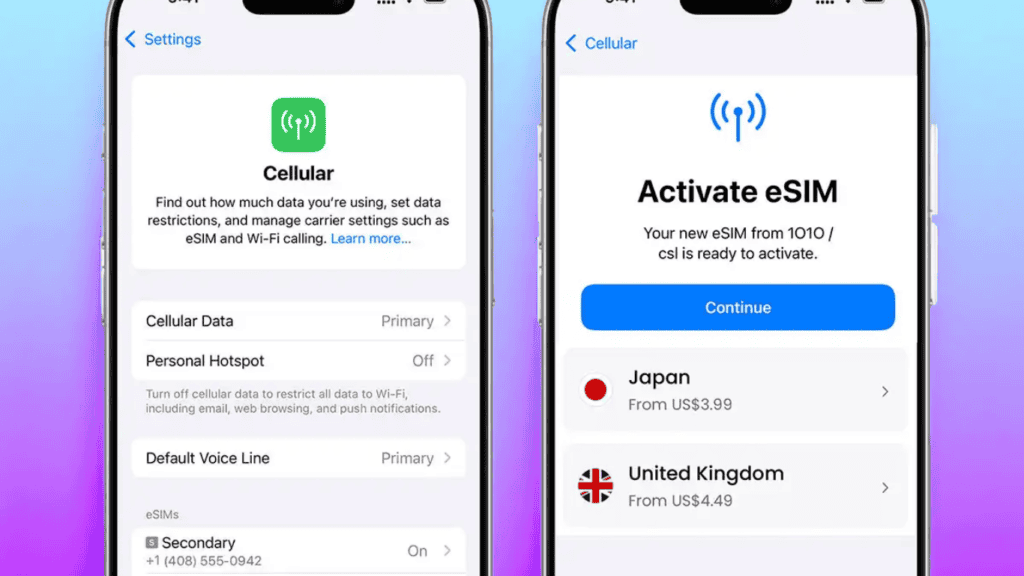
Instead of swapping out a small plastic card when you change carriers or travel abroad, you simply scan a QR code or tap a few settings on your phone and you’re connected. No physical card. No tiny tray. No annoying SIM ejector tool.
Think of it like this: a regular SIM card is like a key you carry in your pocket. An eSIM is like a digital key stored directly in your phone’s memory always there, always ready.
The technology was first introduced around 2016 and has quickly become the standard for modern smartphones, smartwatches, and tablets.
How Does eSIM Work?
Understanding how eSIM works is simpler than it sounds. Here’s the basic process:
- Your phone has an eSIM chip built in; it comes with the device from the factory.
- You choose a mobile carrier; this can be your existing carrier or a new one.
- The carrier sends you a QR code or activation code; either in an email or through their app.
- You scan the QR code on your phone; your device downloads the carrier’s profile.
- You’re connected; no physical SIM needed.
The best part? You can store multiple carrier profiles on one eSIM. That means you can have your home carrier and a travel carrier loaded at the same time, switching between them with a few taps.
Key Features of eSIM
Here’s what makes eSIM stand out from a traditional SIM card:
- No physical card needed; your phone is slimmer and more water-resistant because there’s no SIM tray slot.
- Switch carriers instantly; change your mobile plan in minutes without visiting a store.
- Dual SIM support; use two numbers on one phone (great for separating work and personal).
- Perfect for international travel; add a local data plan abroad without removing your home SIM.
- More secure; an eSIM can’t be physically stolen or removed like a regular SIM card.
- Works on multiple devices; phones, tablets, smartwatches, and even laptops now support eSIM.
What is eSIM Used For?
eSIM isn’t just a tech upgrade for the sake of it. Here are the most practical real-world uses:
Traveling Abroad
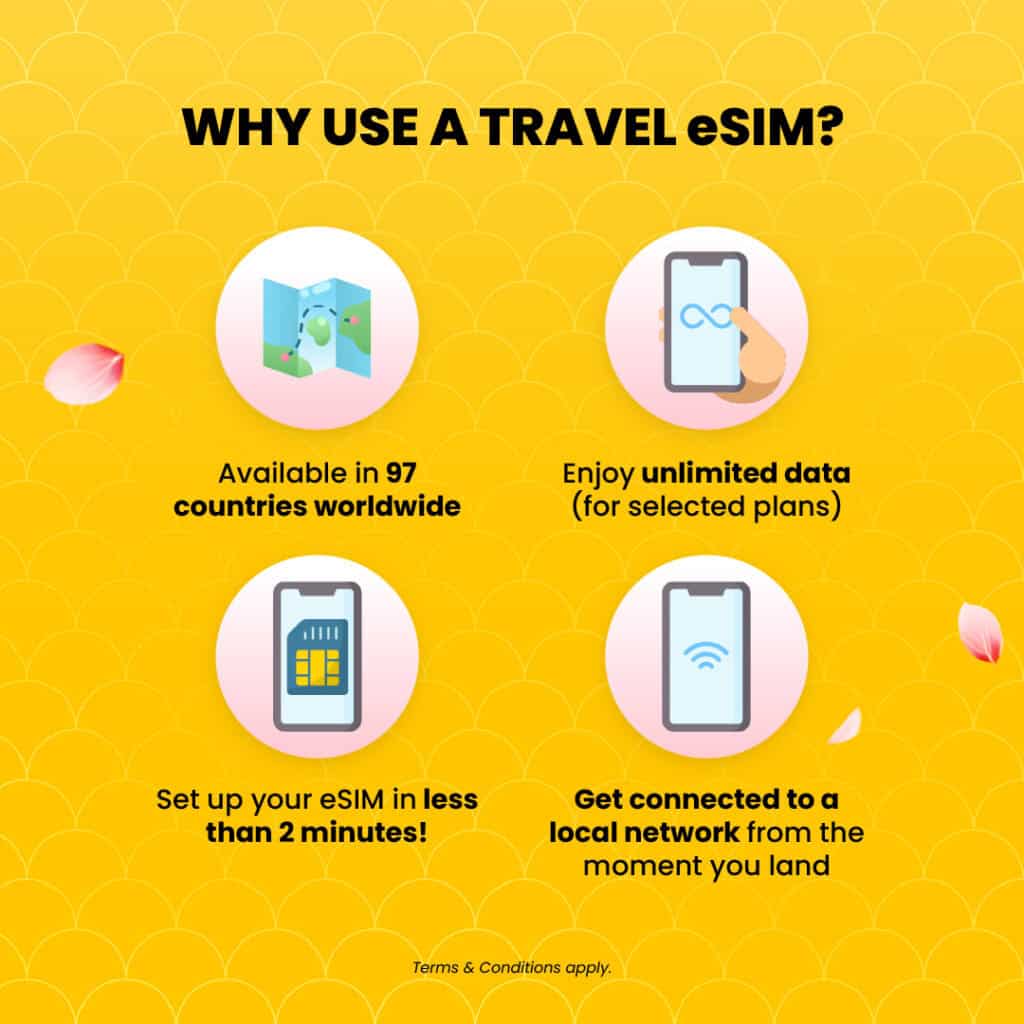
This is the biggest reason people love eSIM. Instead of paying expensive roaming fees or hunting for a local SIM card at the airport, you can buy a cheap local data plan before you even land; and activate it instantly on arrival.
Keeping Work and Personal Numbers Separate
With dual eSIM support, you can run two numbers on one phone. Use your personal number for friends and family, and your work number for colleagues no need to carry two phones.
Switching Carriers Without the Hassle
Tired of your current carrier? With eSIM, switching is as easy as downloading a new profile. No waiting for a new SIM card in the mail. No going to a store. Done in minutes.
Kids’ Smartwatches and Wearables
Many kids’ GPS watches and smartwatches use eSIM to stay connected without needing a physical SIM. Parents can manage the data plan right from their phone.
Which Phones Support eSIM?
Most modern flagship smartphones now support eSIM. Here’s a quick overview:
| Brand | eSIM Support |
|---|---|
| Apple iPhone (XS and later) | ✅ Yes |
| iPhone 14 and later (US models) | ✅ eSIM only, no physical SIM |
| Samsung Galaxy S21 and later | ✅ Yes |
| Google Pixel 3 and later | ✅ Yes |
| OnePlus 11 and later | ✅ Yes |
| Older budget Android phones | ❌ Often no |
Important: Even if your phone supports eSIM, your carrier must also support it. Most major carriers worldwide now support eSIM, but always check with your provider first.
Who is eSIM For?
eSIM is a great fit for:
- Frequent travelers; save money on international data and avoid roaming charges.
- People with two numbers; run personal and work lines on one device.
- Anyone switching carriers; make the change in minutes from home.
- Smartwatch users; most cellular Apple Watches and Samsung Galaxy Watches use eSIM.
It may not matter much to you if you never travel, rarely switch carriers, and only need one phone number. In that case, a regular SIM works perfectly fine.
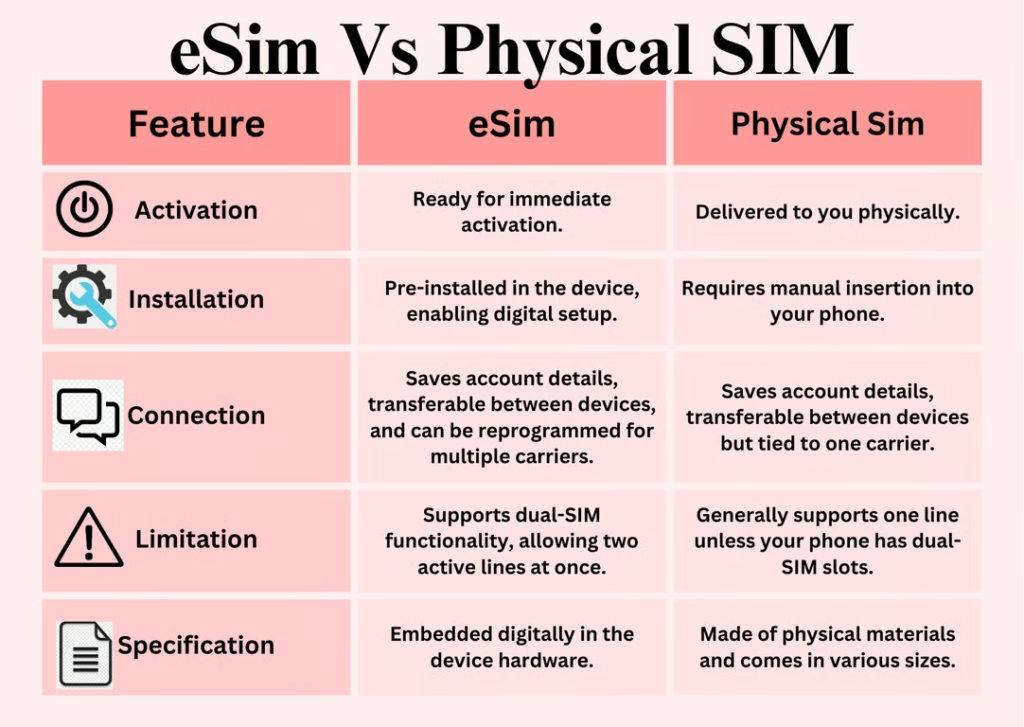
eSIM vs Regular SIM Card
| Feature | eSIM | Physical SIM |
|---|---|---|
| Switching carriers | Instant (digital) | Need new card |
| Travel use | Easy – add local plans | Swap cards manually |
| Security | Can’t be physically stolen | Can be removed/stolen |
| Phone design | Slimmer, no SIM tray | Requires SIM slot |
| Compatibility | Newer devices only | Works on all phones |
| Setup | QR code / app | Insert card |
How Much Does eSIM Cost?
Here’s the good news eSIM itself is free. The chip is built into your phone at no extra cost.
What you pay for is the mobile plan and those prices are the same whether you use eSIM or a physical SIM. In fact, many carriers now offer eSIM-exclusive deals with cheaper data plans, especially for travel.
Popular eSIM travel plan providers include:
- Airalo: data plans starting from $5 for 1GB
- Holafly: unlimited data plans for travelers
- Google Fi: works globally on eSIM
Is eSIM Worth It?
Absolutely, if you have a modern phone that supports it. eSIM makes switching carriers faster, traveling cheaper, and managing two numbers easier. It’s not a gimmick. It’s a genuine quality-of-life upgrade.
The only reason to stick with a physical SIM is if your phone doesn’t support eSIM, or your carrier doesn’t offer it yet.
Our verdict: If your phone has eSIM, use it. You won’t go back.
Frequently Asked Questions About eSIM
Q: Can I use eSIM and a physical SIM at the same time?
A: Yes, many phones support Dual SIM, meaning you can use one eSIM profile and one physical SIM card at the same time. This lets you have two active numbers on one device.
Q: What happens to my eSIM if I lose my phone?
A: Your eSIM data is tied to your account, not the phone. You can transfer your eSIM profile to a new device by contacting your carrier. It’s actually more secure than a physical SIM in this way.
Q: Does eSIM work with all carriers?
A: Not all carriers support eSIM yet, but most major carriers worldwide now offer it. Always check with your carrier before switching.
Q: Can I have multiple eSIM profiles on one phone?
A: Yes. Most modern phones can store 5 to 15 eSIM profiles, though only 1 or 2 can be active at the same time. This is perfect for frequent travelers who buy local plans in different countries.
Q: Is eSIM available on budget phones?
A: eSIM is becoming more common on mid-range phones, but it’s still mostly found on flagship and upper mid-range devices. Budget phones under $200 often don’t support eSIM yet.
Q: Can I switch back to a physical SIM after using eSIM?
A: On most phones, yes. However, iPhones sold in the US from the iPhone 14 onwards are eSIM-only and don’t have a physical SIM tray at all.
Conclusion
So, what is eSIM? It’s the future of mobile connectivity a built-in digital SIM chip that makes switching carriers, traveling abroad, and managing two numbers faster and easier than ever before.
If your phone supports eSIM, there’s no reason not to use it. Start by checking if your carrier offers eSIM activation, scan a QR code, and you’re done in minutes.