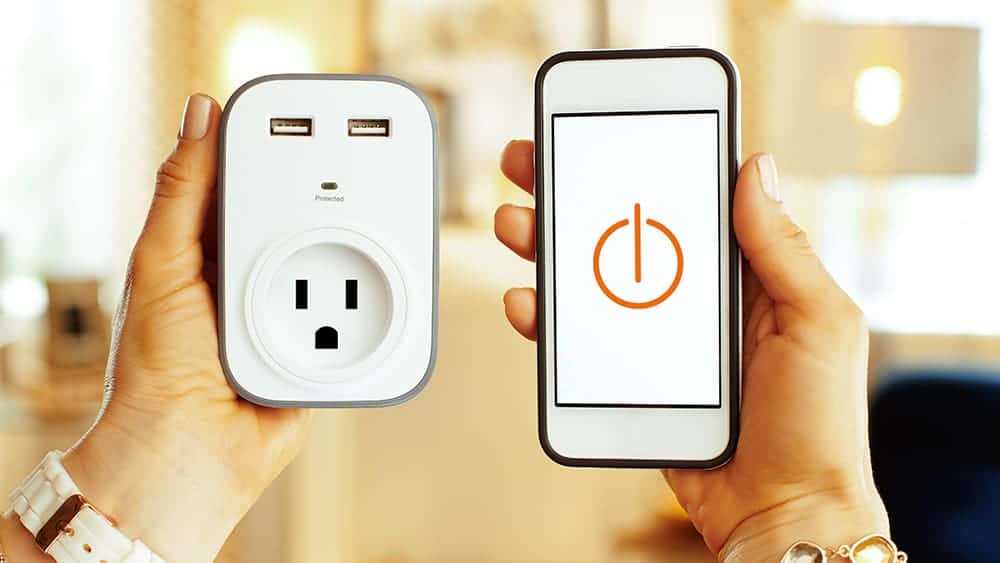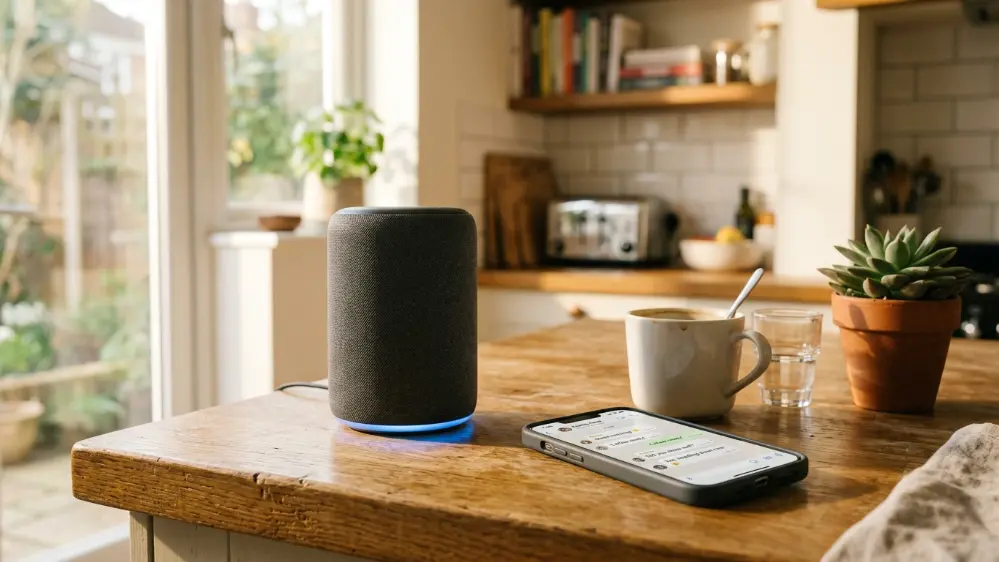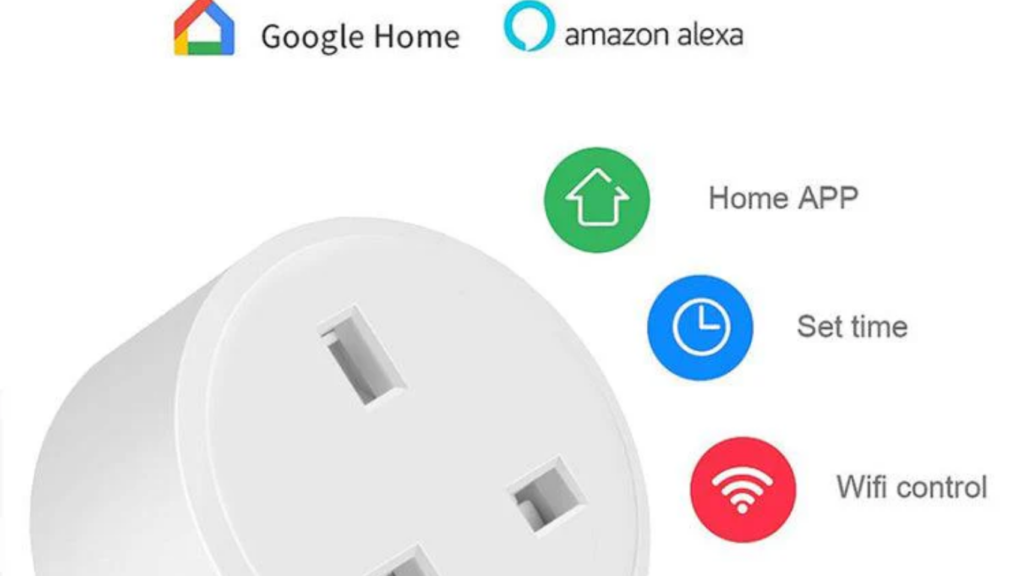
You’ve got Alexa sitting on your counter. You’ve maybe got a smart plug or two. But are you getting the most out of them together?
Most people use their smart plug for one thing turning a lamp on and off. But when you pair a smart plug with Alexa, the combination opens up a whole range of automations and voice commands that make your home genuinely smarter.
Here are the 9 best uses for a smart plug with Alexa from obvious to surprising.
How Does a Smart Plug Work with Alexa?
Before diving into uses, here’s the quick setup overview:
- Plug your smart plug into the wall outlet and connect your appliance to it
- Set up the smart plug in its app (e.g., Kasa, Meross, or the Amazon Smart Plug app)
- In the Alexa app, go to Devices → Add Device → Plug and discover it
- Name the device something easy “lamp”, “fan”, “coffee maker”
- Say “Alexa, turn on the lamp” done
Once connected, Alexa can control your smart plug by voice, through routines, on schedules, or through the Alexa app from anywhere.
The Amazon Smart Plug is the easiest option it connects directly to Alexa in about 30 seconds with zero extra apps needed.
9 Best Uses for a Smart Plug with Alexa
1. Voice-Control Any Lamp in Your Home
This is the most popular use and once you try it, you’ll want every lamp on a smart plug.
Say “Alexa, turn on the bedroom lamp” from across the room, from bed, or even when your hands are full. No fumbling for switches. No getting up in the dark. Pure convenience.
You can also say “Alexa, turn off all lights” to shut everything down at once perfect for when you’re heading to bed.
Best for: Living room lamps, bedside lights, floor lamps, bathroom nightlights.
2. Automate Your Morning Coffee
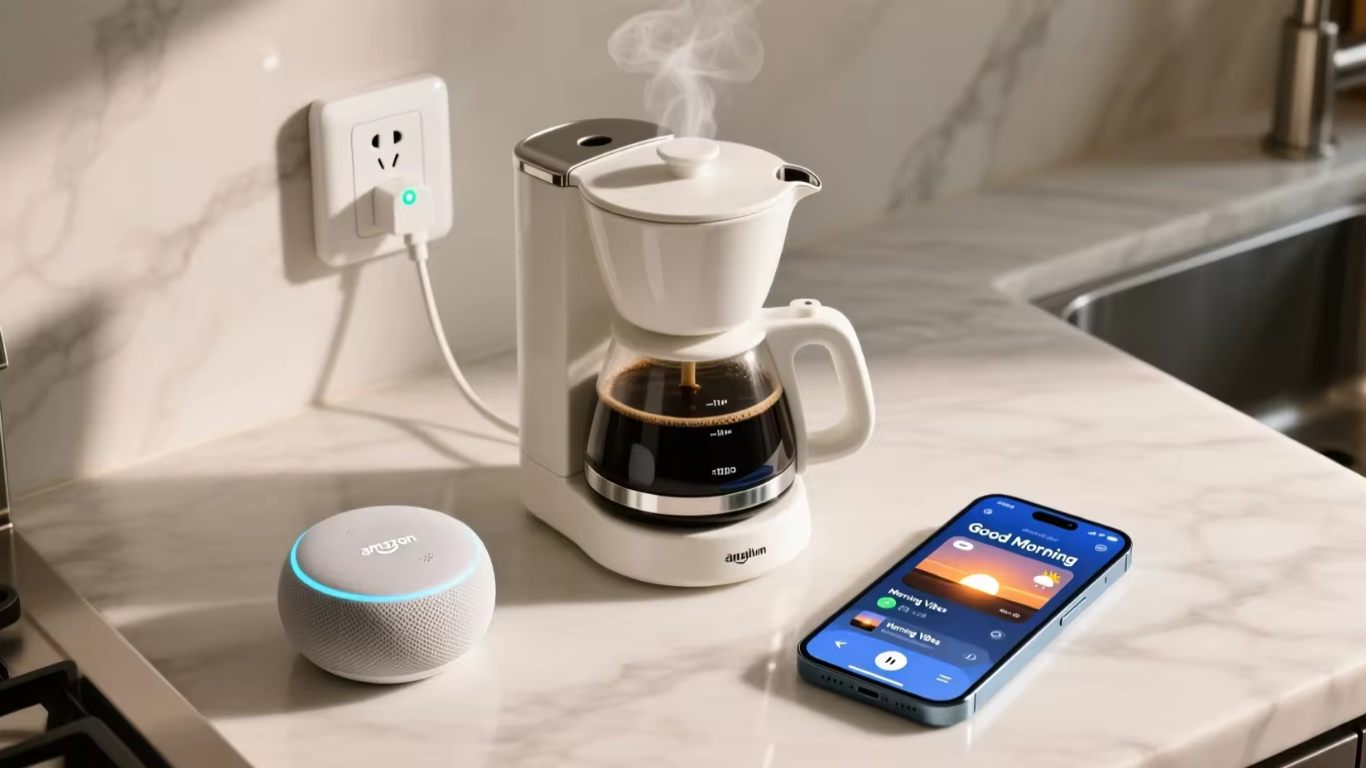
Connect your coffee maker to a smart plug and set an Alexa routine to turn it on at 7am every morning automatically.
Your coffee starts brewing before you even get out of bed. No app needed, no voice command required. Just wake up and pour.
You can also say “Alexa, turn on the coffee maker” if you wake up early or want a second cup. And “Alexa, turn off the coffee maker” when you leave for work so it doesn’t sit on all day.
Setup tip: Use the Alexa app → Routines → Add Action → Smart Home → your coffee maker plug → turn on at 7:00 AM every weekday.
3. Create a “Good Night” Routine That Turns Everything Off
One of the most useful Alexa smart plug combinations is a bedtime routine.
Set up an Alexa routine called “Good Night” that turns off every smart plug in your home simultaneously lamps, the TV, the fan, the phone charger, everything with one voice command.
Say “Alexa, good night” and your whole home powers down.
You can also add it to a schedule: everything turns off automatically at 11pm if you haven’t done it manually.
4. Control Your TV’s Power Schedule
Most modern TVs are “smart” but still pull standby power 24 hours a day. Connecting your TV to a smart plug and using Alexa to schedule it off during hours you never watch (e.g., 1am–6am) can meaningfully reduce your electricity bill over a year.
You can also use it to create a “Family Bedtime” routine at 9pm on school nights, the kids’ TV plug turns off automatically. No arguments, no chasing up.
Note: Don’t use a smart plug to cut power to OLED TVs while they’re on always let the TV power off normally first, then the smart plug can cut standby power.
5. Set Up a Fake Occupancy Mode When You Travel
Going away? Use Alexa routines to simulate someone being home.
Create random schedules where different lamps turn on and off at varied times during the evening. From the outside, your house looks occupied. It’s a simple, free deterrent that requires nothing more than smart plugs and Alexa.
Say “Alexa, I’m leaving” to trigger a routine that activates fake occupancy mode or schedule it to run automatically every evening while you’re away.
6. Automate a Fan or Heater on a Schedule
Connect a bedroom fan or a portable heater to a smart plug and use Alexa to automate it based on time or temperature.
Example routine: Every night at 10pm, the bedroom fan turns on. At 6am, it turns off. No more waking up to a stifling hot room or a freezing cold one.
“Alexa, turn on the fan” works from anywhere bed, the bathroom, the living room, so you never have to get up just to adjust airflow.
Safety note: Never use a smart plug with high-wattage appliances like space heaters unless the plug is specifically rated for that load. Check the plug’s maximum wattage before use.
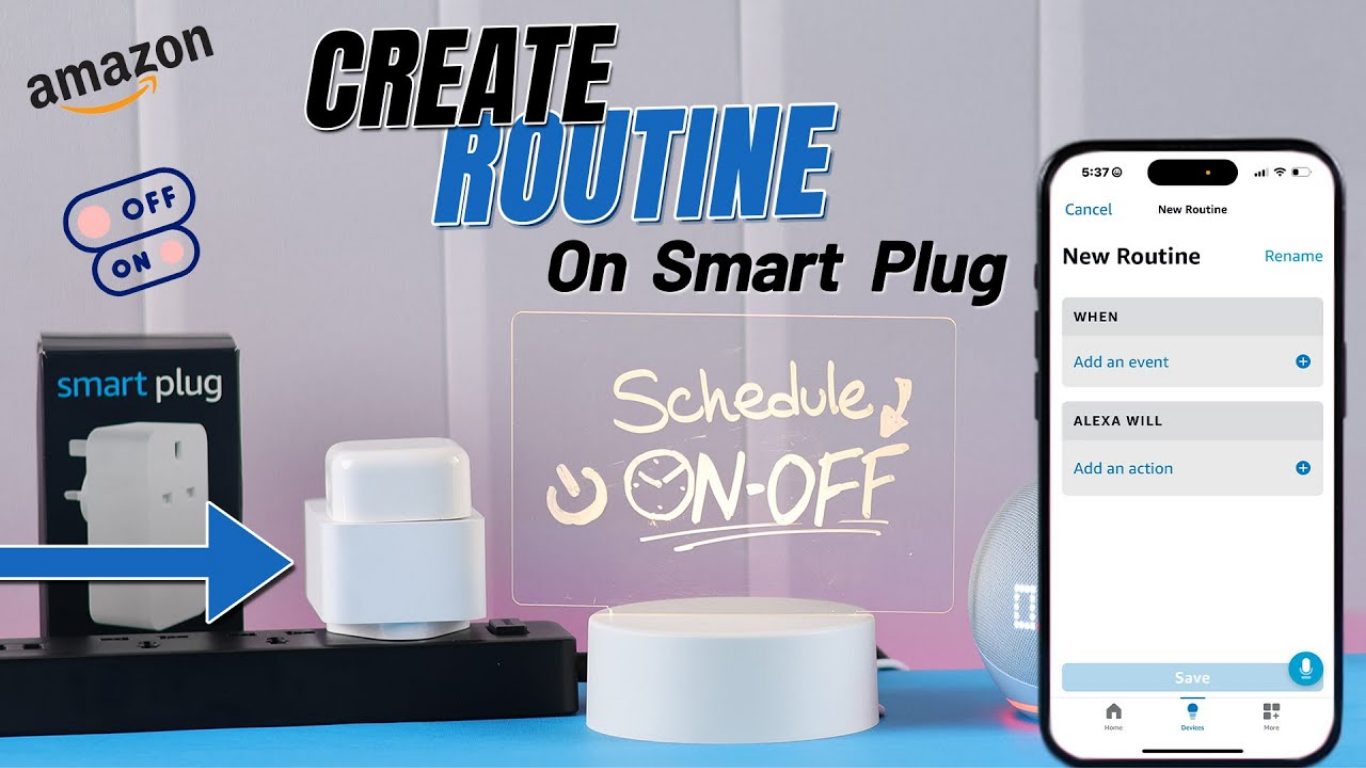
7. Monitor Energy Usage and Cut Standby Waste
Smart plugs with energy monitoring (like the TP-Link Kasa EP25) connect to Alexa and let you ask:
“Alexa, how much power is the TV using?”
You might be shocked. Many TVs use 5–15 watts just on standby. Game consoles, desktop computers, and old appliances are often even worse. Seeing the real numbers motivates real changes.
Use Alexa routines to automatically cut power to high-standby devices during hours you definitely won’t use them and watch your electricity bill drop.
8. Create a “Movie Mode” Routine
Set up an Alexa routine called “Movie Mode” that:
- Turns on the TV plug
- Turns off the overhead light plug
- Turns on a dimmed lamp plug
Say “Alexa, movie mode” and your room transforms instantly. Everything adjusts at once with one command.
This is the kind of smart home automation that impresses guests and makes everyday life genuinely more enjoyable.
9. Control Outdoor Lights and Christmas Decorations
Smart plugs work outdoors too, just make sure you buy a weatherproof outdoor smart plug (rated IP44 or higher).
Connect your outdoor porch light, garden lights, or Christmas decorations to an outdoor smart plug and use Alexa to:
- Turn them on at sunset automatically (use Alexa’s “at sunset” trigger in routines)
- Turn them off at a set time (midnight, 11pm, etc.)
- Say “Alexa, turn on the garden lights” when you’re entertaining outside
You’ll never forget to turn off the Christmas lights again.
Which Smart Plugs Work Best with Alexa?
| Smart Plug | Price | Best Feature |
|---|---|---|
| Amazon Smart Plug | ~$25 | Instant Alexa setup, no extra app |
| TP-Link Kasa EP25 | ~$20 | Energy monitoring |
| Meross Smart Plug | ~$15 | Works with Alexa, Google & HomeKit |
| Govee Smart Plug | ~$12 | Budget-friendly, reliable |
| Wemo Mini | ~$30 | Premium build, compact size |
The Amazon Smart Plug is the easiest for Alexa users, it pairs in seconds without downloading any third-party app. The TP-Link Kasa is the best choice if you want energy monitoring.
Who Should Use Smart Plugs with Alexa?
- Alexa users who want more from their Echo: smart plugs are the cheapest way to expand what Alexa can control.
- Families with kids: automate TV bedtimes and lights without arguments.
- People who travel: fake occupancy routines and remote control from anywhere.
- Anyone trying to reduce electricity bills: energy monitoring + schedules = lower bills.
- Smart home beginners: no wiring, no complex setup, plug and go.
Frequently Asked Questions
Q: Does any smart plug work with Alexa?
A: Most do, but not all. Before buying, check for “Works with Alexa” on the packaging or product listing. Brands like Amazon, TP-Link Kasa, Meross, and Govee are reliable choices.
Q: Can Alexa turn off a smart plug automatically?
A: Yes. Use the Alexa app to create a routine that turns the plug on or off at any time, at sunset/sunrise, or triggered by a voice command.
Q: Can I control a smart plug with Alexa when I’m not home?
A: Yes, as long as your smart plug is connected to WiFi, you can control it from anywhere via the Alexa app on your phone.
Q: Do smart plugs use electricity when nothing is plugged in?
A: Yes, but very little typically 0.5 to 2 watts in standby. This costs only a few cents per month.
Q: Can I use a smart plug with Alexa for a washing machine?
A: Check the plug’s wattage rating first. Most smart plugs are rated for 10A (2,300W) or 16A (3,680W). Most washing machines fall within this range, but always verify before use.
Q: What if my smart plug disconnects from Alexa?
A: Restart both the smart plug (unplug and replug) and your router. Then open the Alexa app and re-discover devices. This fixes 95% of connection issues.
Conclusion
A smart plug on its own is useful. A smart plug paired with Alexa is genuinely impressive turning your voice into a remote control for your entire home.
Start with one or two smart plugs on your most-used lamps or appliances, set up a morning routine and a “good night” command, and you’ll immediately understand why smart plugs are the most popular smart home upgrade of 2026.
Also read: What is Rabbit R1? The AI Gadget Everyone’s Talking About
What’s your favourite Alexa + smart plug combination? Share in the comments!