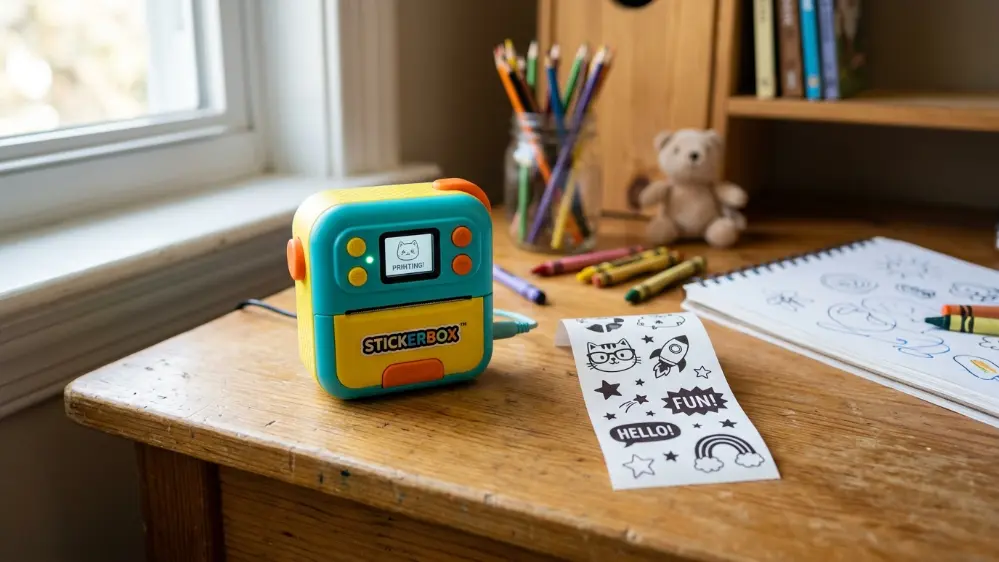
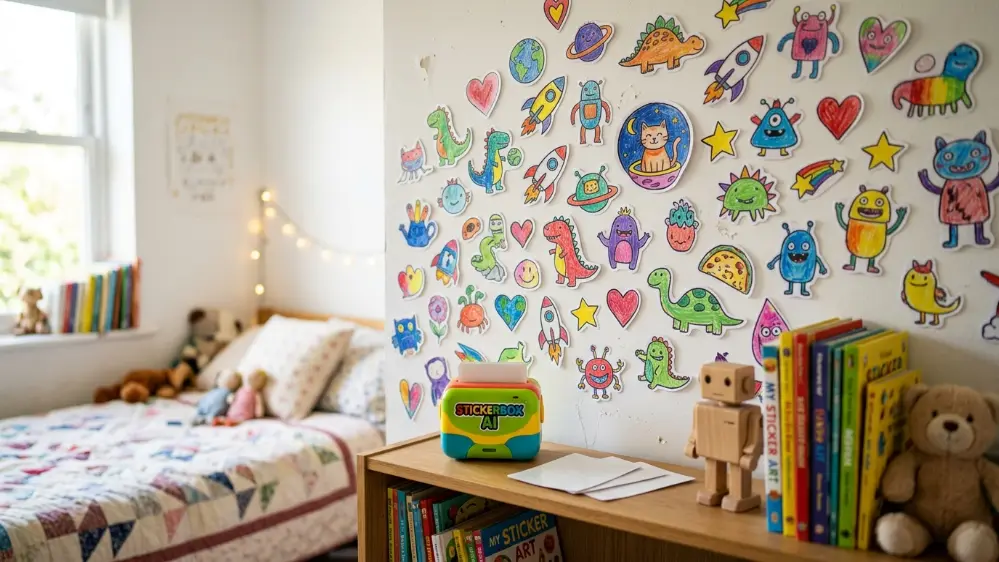
What is Stickerbox, and why is it suddenly showing up in coverage from outlets like Tom’s Guide and Digital Trends as one of the buzziest AI toys of the season? It’s a genuinely different kind of gadget compared to most kids’ tech. A child speaks an idea out loud, the built in AI turns that idea into an image, and a small thermal printer inside the device spits out a black and white sticker for the kid to color in themselves.
We looked into how it actually works, what safety measures are built in, how it compares to other AI toys on the market, and whether it’s worth adding to a household with young kids.
How Stickerbox Actually Works
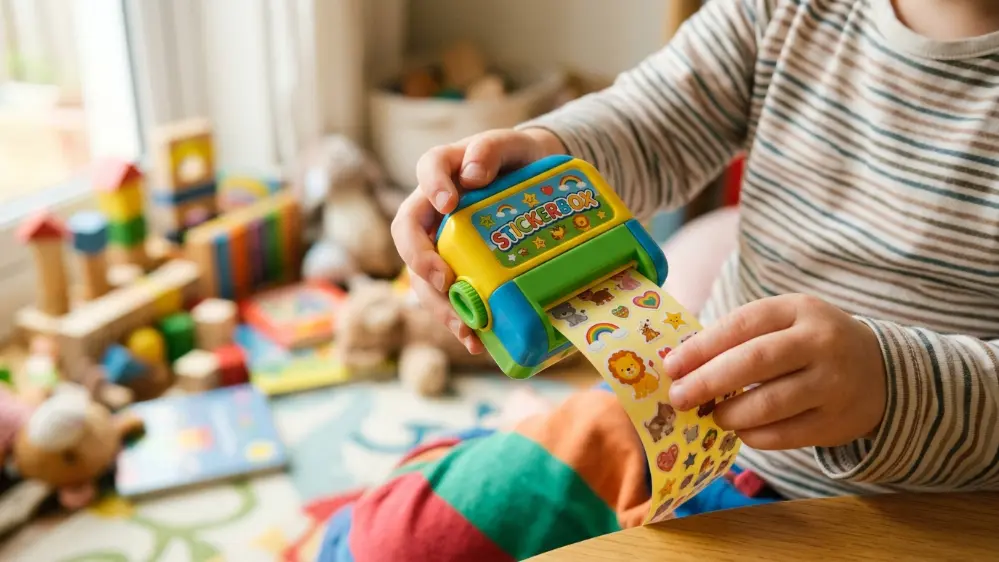
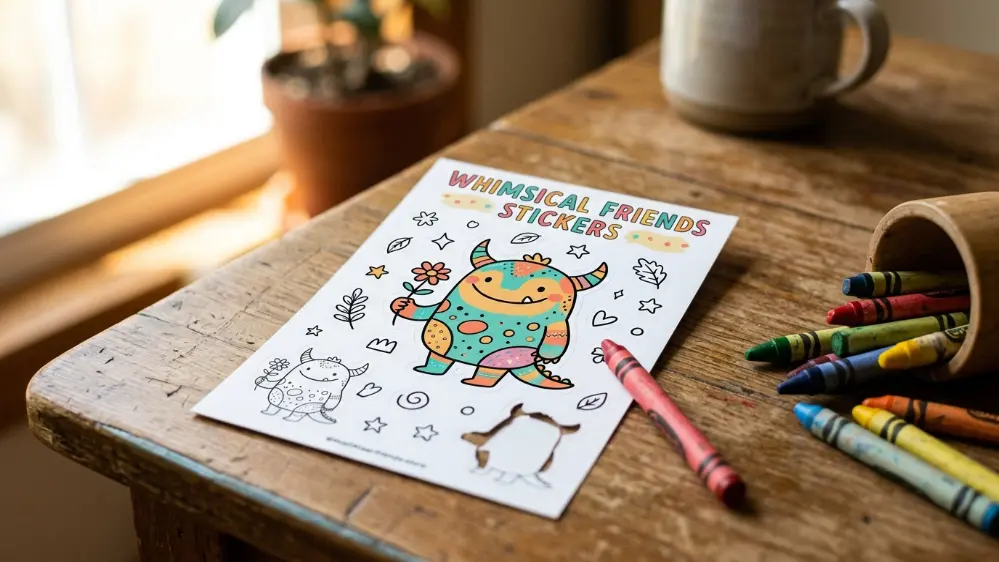
The concept behind Stickerbox is refreshingly simple compared to a lot of AI powered products aimed at adults. A kid holds down a button and speaks an idea out loud, something like “a dinosaur riding a skateboard” or “a cat wearing a superhero cape.” The device’s built in AI processes that spoken idea and generates a corresponding image. A small thermal printer built into the toy then prints that image as a black and white sticker, ready for the child to color in with crayons, markers, or colored pencils.
There’s no ink involved at any point in the process, since it relies entirely on thermal printing technology, similar in principle to an old school receipt printer but repurposed for a much more playful use case. That also means there’s no ink cartridge to replace or run out, which simplifies the ongoing cost of ownership considerably compared to a traditional inkjet or laser printer aimed at kids’ crafts.
The entire interaction loop, from pressing the button to holding a finished sticker, typically takes well under a minute, which matters a lot when you’re designing something for a young child’s attention span. There’s no waiting around for an app to load or a design to render on a screen. The physical printer simply produces a result almost immediately.
The Safety Features Parents Should Know About
Given that Stickerbox involves a microphone and an AI system aimed specifically at children, safety and privacy questions are the obvious first concern for any parent considering the toy. There’s no screen involved at all, and importantly, there’s no persistent listening happening in the background. The microphone only activates while a button is actively held down by the child, meaning it isn’t passively recording or listening at other times.
Built in content filters are also designed to block inappropriate prompts before they ever reach the image generation step, adding a layer of protection against a child accidentally or intentionally requesting something the toy shouldn’t produce. Combined with the lack of a screen and the deliberately narrow scope of what the device actually does, generate simple line drawing stickers from spoken prompts, Stickerbox reads as a genuinely more contained AI product than the general purpose chatbots and assistants that have become common in households recently.
For parents who want additional oversight, it’s worth checking the manufacturer’s current documentation on data handling before purchase, since specifics around how spoken prompts are processed, whether locally on the device or through a cloud connection, can affect your comfort level depending on how cautious you want to be about any AI product used by children.
Why It’s Getting So Much Attention Right Now
Stickerbox has picked up coverage from several major outlets as one of the season’s most talked about AI toys, and the appeal makes sense once you see it in action. Most AI products marketed toward families lean on screens, apps, or voice assistants layered onto existing devices. Stickerbox instead creates something tactile and screen free: a physical object a child can hold, color, and stick onto their belongings, notebooks, or walls.
That physical, tangible output matters more than it might initially seem. A lot of parents have understandable reservations about screen time and about handing children open ended access to AI chatbots. Stickerbox sidesteps both concerns by keeping the entire interaction contained to a single, narrow task: turning a spoken idea into a simple picture to color, with a real paper object as the end result rather than more time spent staring at a display.
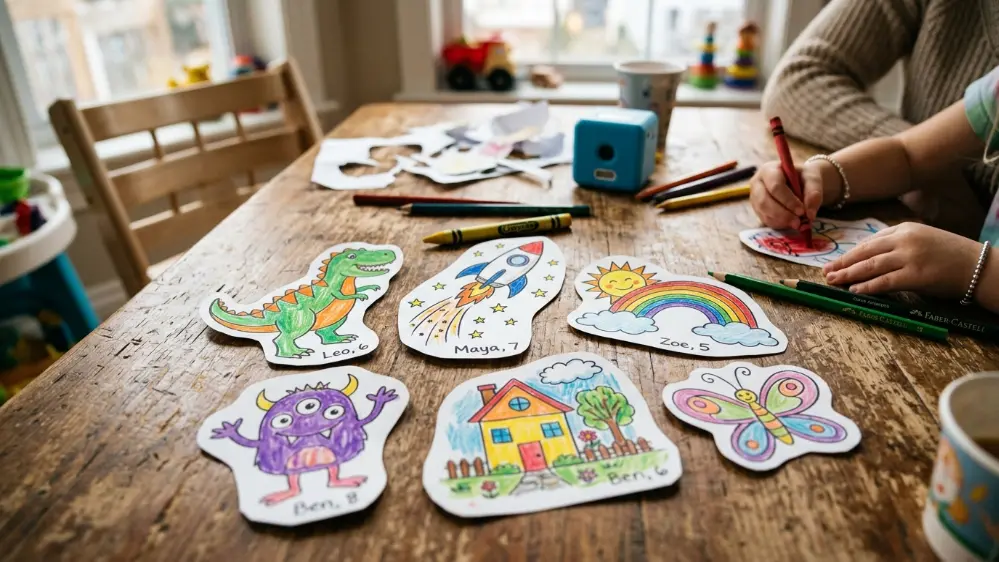
There’s also a nostalgia element at play here that’s worth acknowledging. Sticker collecting and trading has been a childhood pastime for generations, and Stickerbox essentially modernizes that same activity by letting kids generate entirely custom, one of a kind stickers based on their own imagination rather than buying a pre-made pack from a store.
Comparing It to Other AI Powered Kids’ Products
The AI toy category has grown quickly, and not always in ways that reassure parents. Plenty of products in this space involve screens, ongoing subscriptions, or voice assistants that maintain a more persistent listening presence than many families are comfortable with. Stickerbox’s push button, screen free, single purpose design puts it in a smaller, more cautious category of AI product built specifically with kids’ safety limitations in mind from the start, rather than an adult focused AI product simply repackaged for a younger audience.
It’s worth noting this is a genuinely different design philosophy from something like Amazon’s Bee wearable or general purpose voice assistants, which are built for broad, ongoing interaction throughout the day. Stickerbox, by contrast, is deliberately narrow, doing one specific, contained thing well rather than trying to be a general purpose AI companion for children.
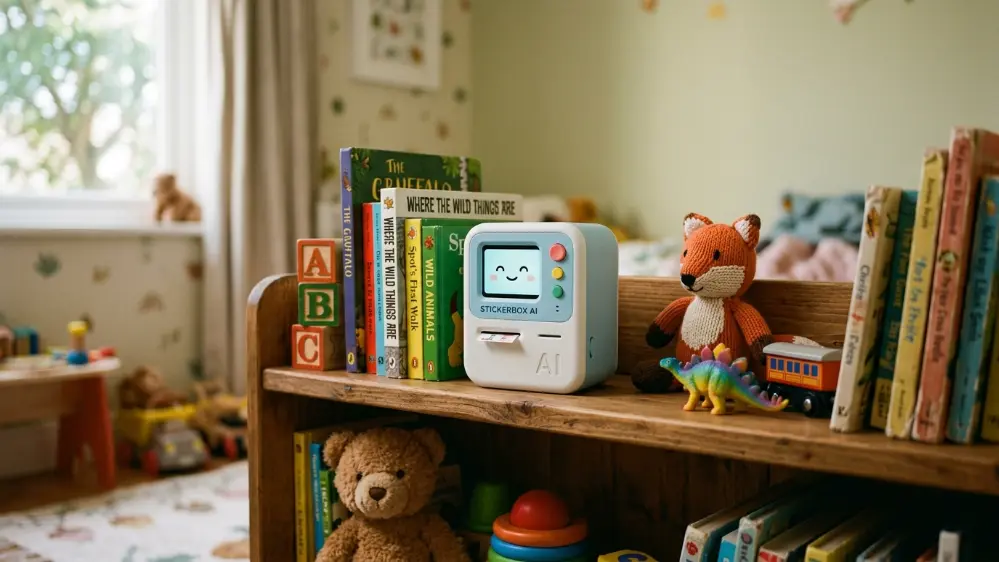
Compared to AI drawing apps aimed at kids that run on tablets, Stickerbox’s biggest advantage is the complete absence of a screen. A tablet based drawing app still requires handing a child a connected device with all the other apps, notifications, and potential distractions that come with it. Stickerbox exists as a single purpose object that can’t be used to browse the internet, watch videos, or access anything beyond its one intended function.
What Kids Actually Get Out of It
Beyond the novelty factor, there’s a genuine creative element to how Stickerbox works. Because the AI generates a simple black and white line drawing rather than a finished, fully colored image, the child still does meaningful creative work by choosing colors and filling in the design themselves. That’s a meaningful distinction from AI tools that generate a complete, finished image with no further input needed. Stickerbox positions the AI as a starting point for a child’s own creativity, not a replacement for it.
Kids also get the satisfaction of turning an entirely imagined idea, however silly or specific, into something real they can hold, color, and stick somewhere visible. That immediate feedback loop between imagination and a tangible result is part of what’s driving the enthusiastic reception the toy has received so far. There’s also a language and vocabulary building element worth mentioning. Describing an idea clearly enough for the AI to generate a recognizable image encourages kids to think about descriptive language, specific details, and clear communication, all in service of a fun, low stakes creative activity.
Setting It Up for the First Time
Getting a Stickerbox running typically involves an initial setup process similar to many connected toys, pairing the device with a companion app on a parent’s phone to configure any account or connectivity settings, before handing control of the actual toy over to the child. Parents generally retain administrative control over settings through this companion app, while the child interacts only with the physical device itself, without needing their own separate account or screen access.
Loading the sticker paper is typically a simple process involving a small paper roll compartment, similar to loading paper into a label maker or portable receipt printer, and most roll capacities are designed to last through dozens of stickers before needing to be replaced.
Price and Where to Find It
Stickerbox has been covered as one of the standout picks in recent roundups of gadgets worth buying, alongside other current releases like Xiaomi’s ultra thin power bank and various AI powered audio products. As availability and exact pricing can shift, checking current retailers directly is the best way to confirm what you’d actually pay before buying, since AI toy pricing in this fast moving category tends to fluctuate more than typical children’s toys.
Ongoing costs are worth factoring in beyond the initial purchase price as well, since replacement sticker paper rolls will be a recurring expense over time, similar to how a label maker requires ongoing tape purchases. That said, without ink cartridges to replace, the ongoing cost structure is simpler and generally cheaper than a traditional inkjet printer setup.
Is Stickerbox Worth Buying?
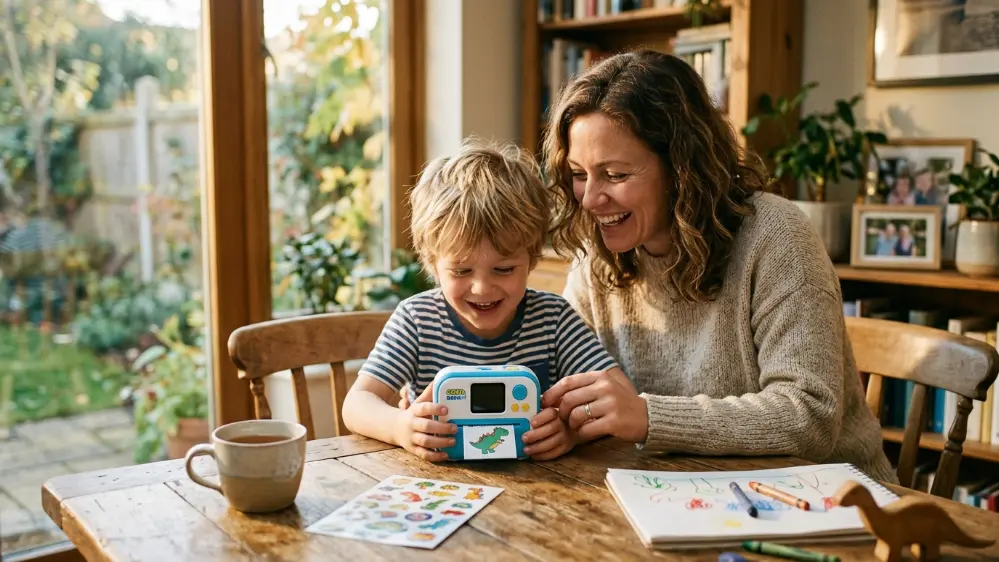
For families looking for a screen free way to introduce kids to AI powered creativity without the privacy concerns that come with more open ended AI chatbots or persistent listening devices, Stickerbox represents a genuinely thoughtful approach. The combination of no ink, no screen, push to talk activation, and built in content filtering addresses most of the reasonable concerns parents tend to raise about AI products aimed at children.
It won’t appeal to every family, particularly those who prefer to keep AI out of children’s toys entirely as a matter of principle. But for parents comfortable with a carefully scoped, safety conscious AI product, Stickerbox offers a genuinely novel and creative activity that turns imagination into something physical kids can actually hold and personalize.
Frequently Asked Questions
What is Stickerbox? Stickerbox is an AI powered toy that turns a child’s spoken idea into a black and white line drawing, printed as a sticker using a built in thermal printer, ready for the child to color in themselves.
Does Stickerbox use ink? No. It uses thermal printing technology, so there’s no ink cartridge required.
Is Stickerbox always listening? No. The microphone only activates while a button is actively held down by the child, so it isn’t passively listening in the background.
Does Stickerbox have built in safety filters? Yes. It includes content filters designed to block inappropriate prompts before an image is generated.
Does Stickerbox have a screen? No. It’s a screen free device, with the sticker printout being the only visual output.
What age group is Stickerbox designed for? It’s marketed primarily toward younger kids who enjoy drawing and coloring activities, though exact age recommendations can vary by retailer listing.
Does Stickerbox need replacement supplies? Yes. It uses replaceable rolls of sticker paper, though since it doesn’t rely on ink cartridges, the ongoing cost is generally simpler than a traditional printer.