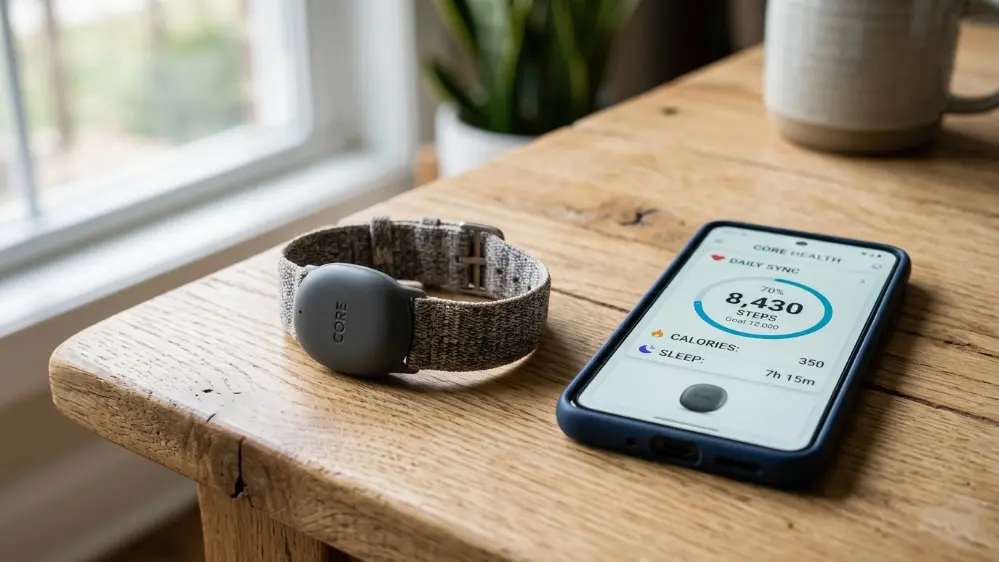
This Fitbit Air review looks at Google’s biggest wearable move in years, and it’s not a smartwatch. The Fitbit Air is a tiny, screenless tracker that costs $99.99, and it’s clearly aimed at one specific rival: Whoop. We spent time going through the specs, the new Google Health app, and how it holds up against the competition to help you decide whether it’s worth putting on your wrist.
What the Fitbit Air Actually Is
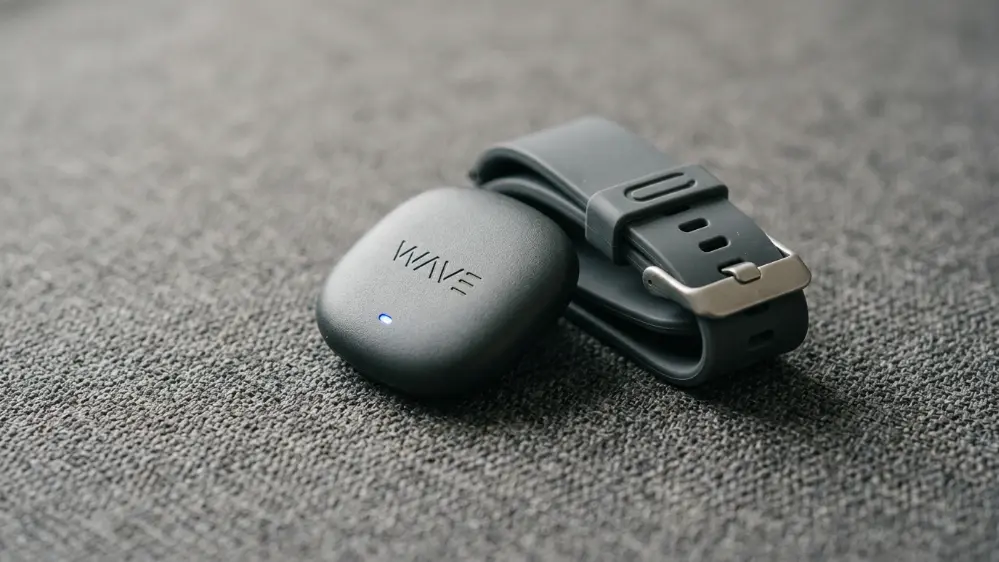
The Fitbit Air is Google’s smallest and cheapest wearable to date. It’s a screenless “pebble” that clips into a swappable band, weighing about 12 grams, which is light enough that most people forget they’re wearing it within a day or two. Google announced it on May 7, 2026, opened pre-orders the same day, and started shipping units in the United States on May 26, 2026.
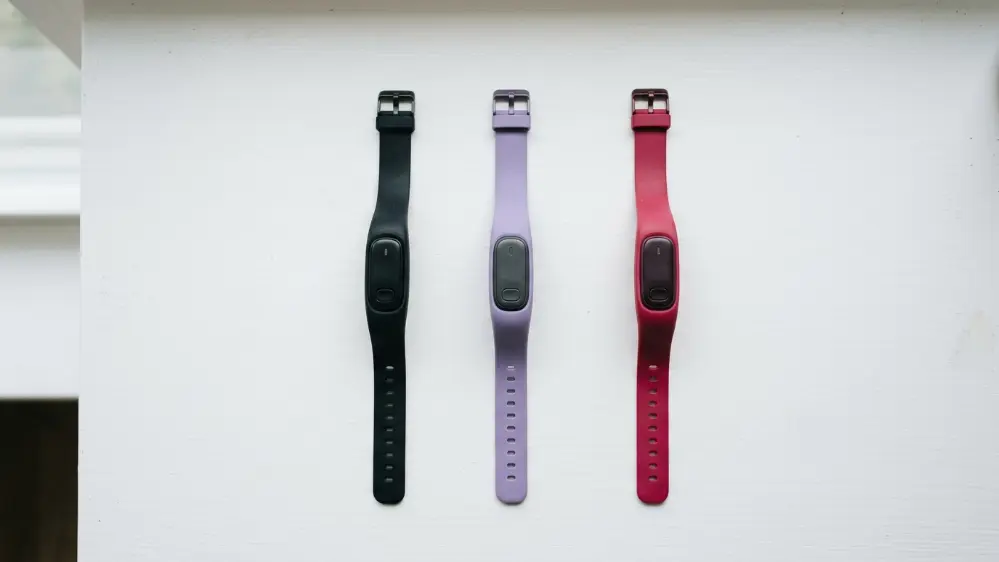
It comes in a standard version at $99.99, and a special edition co-designed with NBA star Stephen Curry at $129.99, featuring a rye brown and orange colorway with a water resistant coating and raised airflow pattern for workouts. Accessory bands, sold separately in silicone and fabric options, start at $34.99.
The launch also matters because of what it represents strategically for Google. Fitbit hardware releases have slowed down considerably since Google acquired the brand, and the Fitbit Air is the first genuinely new form factor the company has introduced in a meaningful stretch of time. Rather than iterating on another smartwatch, Google chose to enter an entirely different product category, one defined by simplicity rather than feature density.
Unboxing and First Impressions
Reviewers who’ve gotten early units describe the unboxing experience as intentionally minimal, matching the philosophy of the device itself. Inside the box is the small tracker pebble, a fabric Performance Loop band already attached, a compact charging cable, and basic setup instructions. There’s no bulky charging dock or extra accessories included, which keeps the packaging small and the unboxing quick.
Setup takes just a few minutes through the Google Health app. You pair the device over Bluetooth, walk through a short onboarding flow that asks about your general fitness goals and sleep habits, and you’re tracking within minutes. Compared to setting up a full smartwatch, which often involves installing several companion apps and configuring notification settings, the Fitbit Air setup process is noticeably faster and simpler.
What It Actually Tracks
Don’t let the size fool you. The sensor package packed into this tiny device is genuinely competitive for the price point. It includes:
- 24/7 heart rate monitoring
- Heart rhythm monitoring with Afib alerts
- Blood oxygen (SpO2) tracking
- Skin temperature sensing
- Sleep stage and duration tracking
- Resting heart rate and heart rate variability
- Automatic workout detection
Afib alerts and detailed sleep staging are features that typically cost significantly more elsewhere, so seeing them included at this price is one of the more genuinely impressive parts of the package, and it puts real pressure on rivals in our full Fitbit Air vs Oura Ring vs Whoop comparison.
Automatic workout detection deserves a specific mention. The device can recognize several common activity types without you manually starting a session, including walking, running, and general elevated heart rate activity. It’s not going to replace a dedicated sports watch for anyone training for a specific event with detailed pace and distance metrics, but for general activity awareness it works reliably in early testing.
Battery Life and Water Resistance
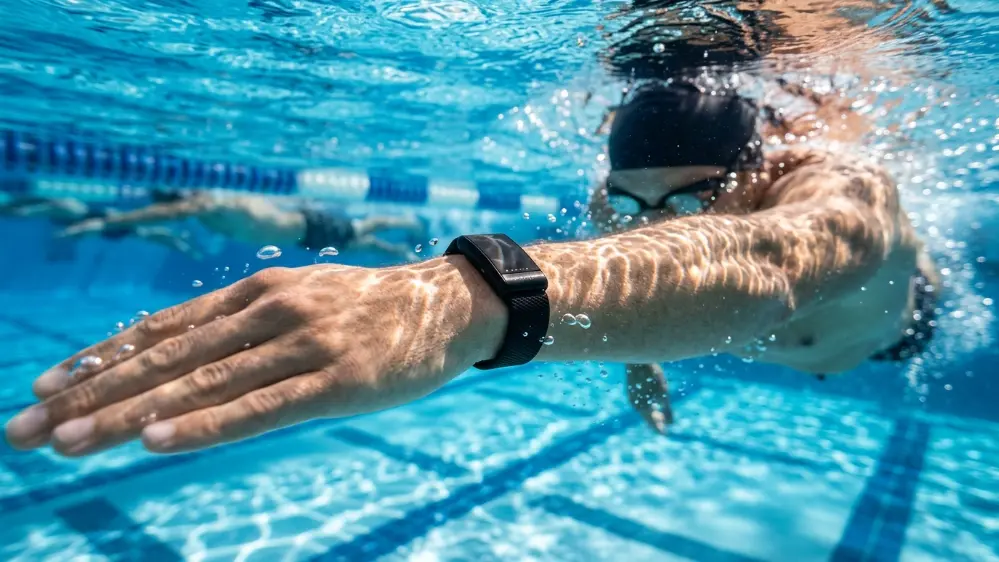
Google says the Fitbit Air lasts up to a week per charge, with a fast charge feature that can top it back up to a full day’s use in around five minutes. It’s also water resistant up to 50 meters, so showers, swimming, and sweaty workouts aren’t an issue.
In practice, battery life will vary depending on how often you’re actively working out versus simply wearing it passively throughout the day. Early reviewers running it through a normal mix of daily wear, a few workouts, and full night sleep tracking have generally landed close to Google’s stated week long estimate, though heavy continuous activity tracking understandably shortens that window somewhat.
The Software Story Is Bigger Than the Hardware
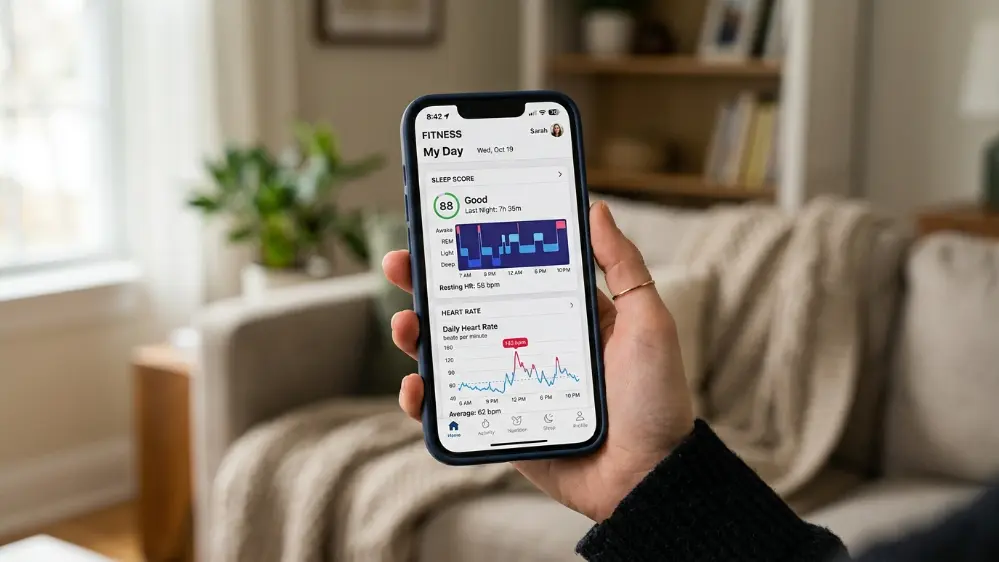
Here’s the part that matters more than the tracker itself. Alongside the Fitbit Air, Google fully rebranded the Fitbit app into Google Health, which went live on May 19, 2026, just before the Air started shipping. This isn’t a name change. It’s a ground up redesign that puts Google’s Gemini AI at the center of the experience through a feature called Google Health Coach.
The Health Coach acts as a conversational AI fitness assistant that can build personalized fitness plans based on your goals, your schedule, and your real time performance data, then explain your stats in plain language instead of dumping raw numbers on you. This is the same Gemini technology showing up elsewhere in Google’s ecosystem, including as the engine behind the newly overhauled Siri AI, which Apple licenses through a separate deal with Google, and it’s a major reason Gemini earns its spot in our Best AI Assistant Apps of 2026 roundup.
Every Fitbit Air purchase includes a three month trial of Google Health Premium, which unlocks the full AI coaching experience. After that, it renews at $9.99 per month unless you cancel. Core tracking data, including heart rate, sleep, steps, SpO2, and a daily readiness score, remains free permanently, without needing the subscription.
The Google Health app is also structured around four main tabs: Today, Fitness, Sleep, and Health. This layout makes it fairly easy to jump directly to the specific data you’re interested in rather than scrolling through a single dense dashboard. Google has also confirmed plans to open APIs allowing third party devices, including Garmin, Whoop, and Oura, to connect into Google Health throughout the rest of 2026, positioning the app as a potential central hub for health data regardless of which wearable brand you actually wear.
Living With the Fitbit Air Day to Day
The biggest adjustment for anyone coming from a smartwatch is the lack of any screen at all. There’s no glance down at your wrist to check the time, no notification buzz when a message comes in, and no quick look at your current heart rate mid workout. For some people that’s exactly the appeal. For others used to constant at a glance information, it takes a short adjustment period.
Several reviewers have specifically pointed out how much more comfortable the device is to sleep in compared to a full smartwatch, largely because there’s simply less bulk pressing against your wrist overnight. Given that sleep tracking is one of the core selling points of the entire screenless wearable category, that comfort factor genuinely matters more than it might sound on paper.
Pros and Cons
What’s genuinely good about the Fitbit Air:
- Extremely low price compared to subscription based competitors
- No mandatory subscription for core health tracking
- Very lightweight and comfortable for 24/7 wear, including overnight
- Solid sensor suite for the price, including Afib detection
- Works across both Android and iOS
- Fast charging and roughly a week of battery life
Where it falls short:
- Lower sensor sampling frequency than dedicated athlete focused devices like Whoop
- AI coaching features require an ongoing subscription after the trial period
- No screen means no at a glance information without pulling out your phone
- Newer product, so long term durability data is still limited
How It Compares to a Smartwatch
It’s worth being clear about what the Fitbit Air is not. It’s not a smartwatch. There’s no screen, no apps, no notifications buzzing on your wrist, and no phone calls. That’s intentional. Google is positioning this as the opposite of a Pixel Watch or Apple Watch, aimed at people who want the health data without the constant digital noise of a full smartwatch strapped to their arm.
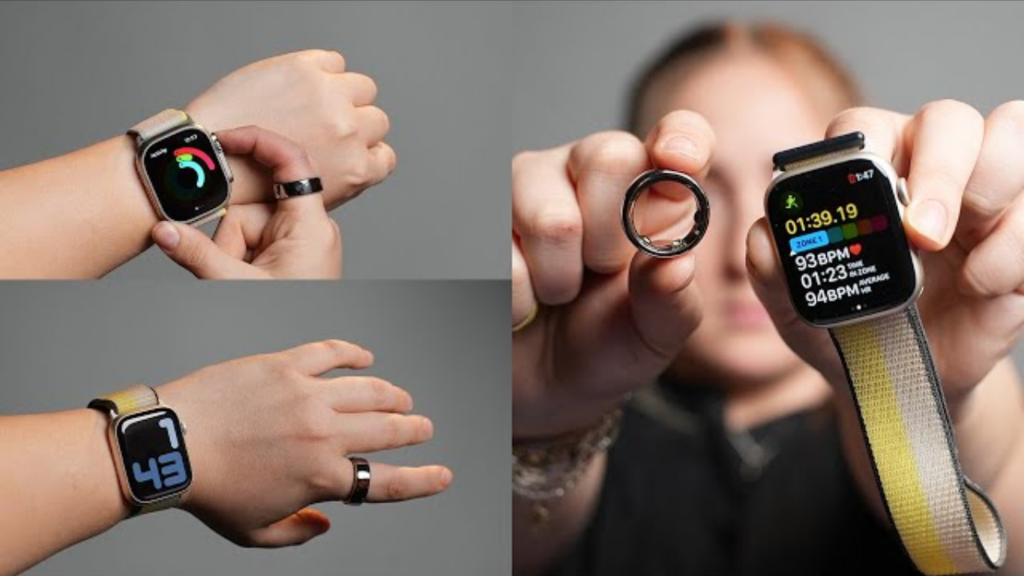
If you already own a smartwatch and just want it during workouts or sleep, the Fitbit Air works well as a lightweight companion device you wear the rest of the time. Google Health even supports pairing the Fitbit Air and a Pixel Watch simultaneously, letting you switch which one’s data feeds into the app depending on what you’re doing.

Compatibility
The Fitbit Air works with both Android 11 and higher, and iOS 16.4 and higher, so iPhone owners aren’t left out despite this being a Google product. That cross platform support is a meaningful factor for anyone who’s hesitant to buy into a brand-specific ecosystem.
Who Should Actually Buy This
The Fitbit Air makes the most sense for a few specific types of buyers. First time wearable buyers who’ve been curious about health tracking but put off by the price of premium options are an obvious fit. People who already own a smartwatch but want something lighter for overnight sleep tracking are another strong match. And anyone who’s specifically been eyeing Whoop but hesitant about the ongoing annual membership cost has a genuinely compelling lower cost alternative here.
On the other hand, serious athletes who need the most granular recovery and strain data available, or anyone who genuinely relies on smartwatch notifications and app access throughout the day, will likely find the Fitbit Air too limited for their needs.
Is It Actually Worth Buying?
At $99.99, with no mandatory subscription for the core features, the Fitbit Air clears a pretty low bar for most people curious about health tracking without committing to Whoop’s ongoing membership cost. It’s genuinely one of the more comfortable wearables reviewers have tested recently, largely because there’s so little to it physically.
It won’t beat dedicated athlete-focused devices on raw sensor frequency or battery longevity, and the AI coaching features do eventually require a subscription if you want to keep them past the free trial. But as an entry point into passive, everyday health tracking, it’s a well priced, low commitment option.
For a full breakdown of how it stacks up specifically against Whoop and Oura, including pricing models and long term costs, read our comparison here: Fitbit Air vs Oura Ring vs Whoop: Which AI Health Wearable Actually Wins? And if you’re curious how OpenAI’s upcoming hardware push might eventually compete in this same wearable space, we cover that separately in our OpenAI Jony Ive device guide.
Frequently Asked Questions
How much does the Fitbit Air cost? The standard Fitbit Air costs $99.99. A Stephen Curry special edition costs $129.99, and additional bands start at $34.99.
Does the Fitbit Air require a subscription? No, not for core tracking features. A subscription to Google Health Premium, at $9.99 per month after a free three month trial, unlocks the AI-powered Health Coach and additional insights.
Is the Fitbit Air waterproof? It’s water resistant up to 50 meters, which covers swimming, showers, and sweaty workouts.
Does the Fitbit Air work with iPhone? Yes. It supports both Android 11 and higher and iOS 16.4 and higher through the Google Health app.
How long does the battery last? Google states up to a week per charge, with a fast charge option that provides a full day of use in about five minutes.
Is Fitbit Air better than Whoop? It depends on your priorities. The Fitbit Air is cheaper with no mandatory subscription, while Whoop offers more frequent sensor sampling and longer battery life but requires an annual membership starting at $199. See our full comparison for details.
Can the Fitbit Air detect irregular heart rhythms? Yes. It includes Afib alerts through its heart rate sensor, though this feature does not replace medical diagnosis and any irregular readings should be discussed with a doctor.
Does the Fitbit Air replace my Fitbit app data? Yes. Existing Fitbit accounts are being migrated to the new Google Health app, so your historical data carries over rather than starting from scratch.
Pingback: Fitbit Air vs Oura Ring vs Whoop 2026: Which Should You Buy?
Pingback: Amazfit Helio Strap: Full Review, Specs and Whoop Comparison