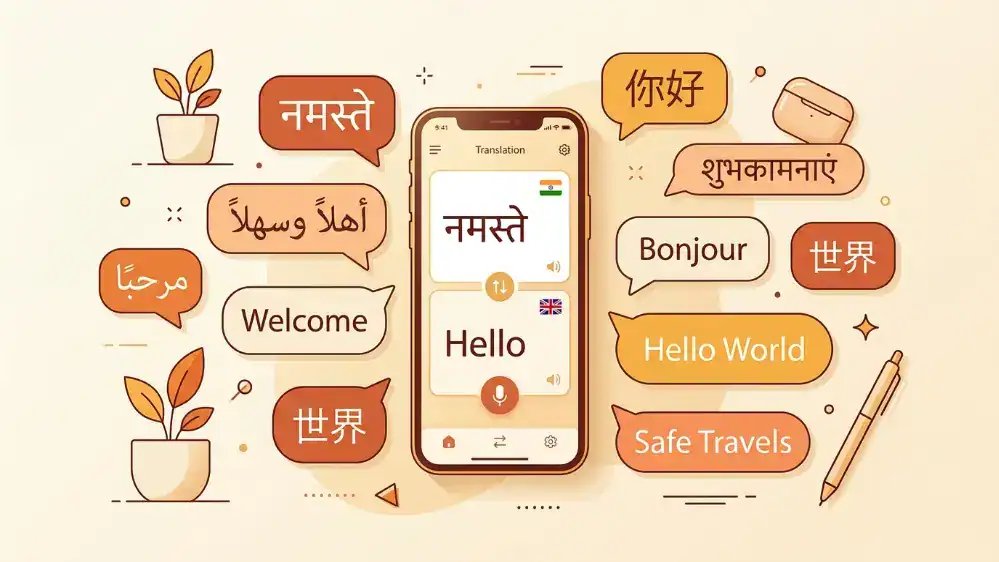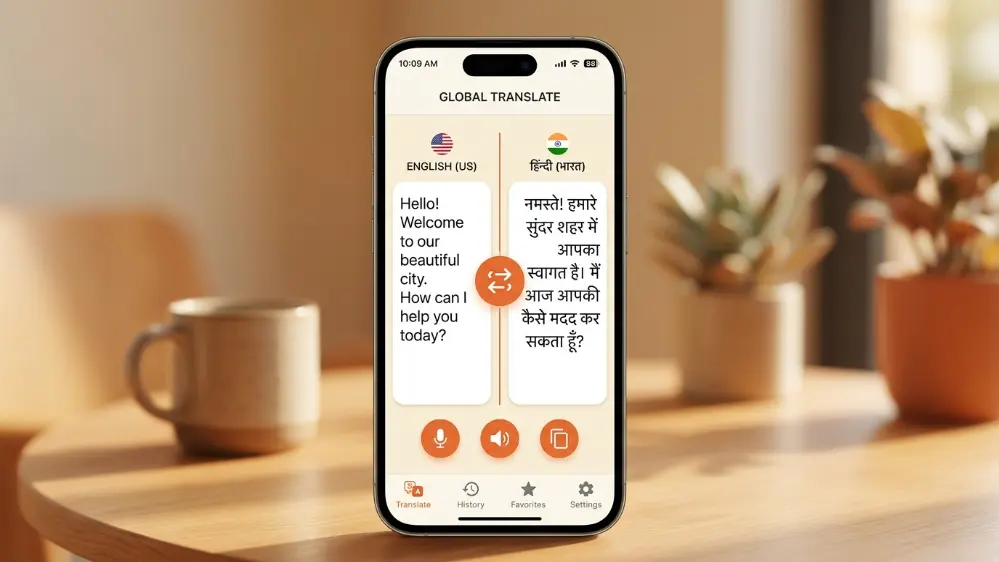
Google Translate English to Hindi app is one of the most useful tools for quickly translating English and Hindi text, whether you need it for work, school, travel, or everyday conversations. Since English to Hindi is one of the most searched language pairs on Google Translate, this guide explains how to use the app properly on your phone, computer, and offline, along with tips for voice input, camera translation, better accuracy, and common mistakes to avoid.
Setting Up English to Hindi Translation
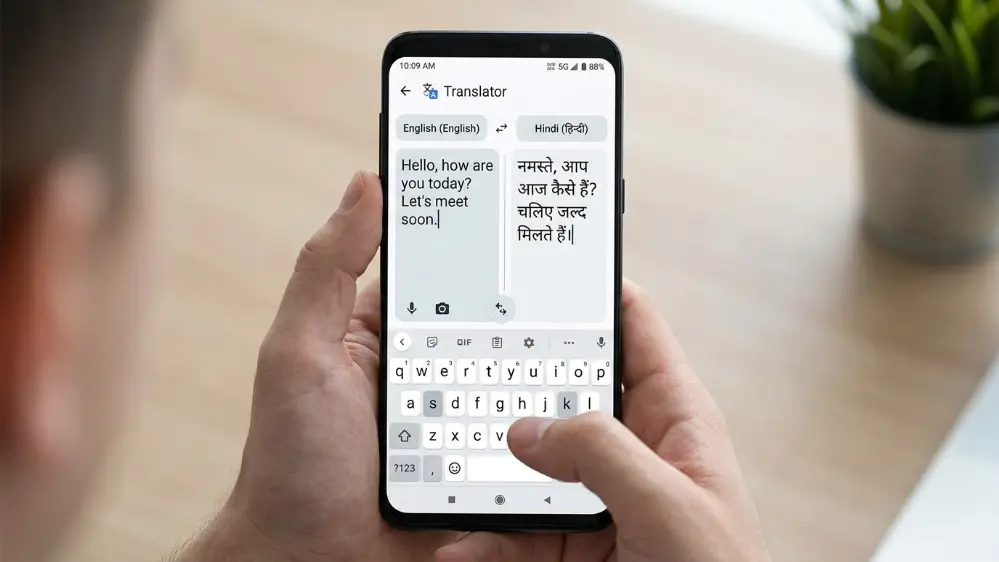
Open the app and set your source language to English and target language to Hindi, or the reverse if you’re translating the other direction. Type or paste any English sentence, and the Hindi translation appears instantly below, written in Devanagari script by default.
If you’d rather see Hindi written in Roman script, sometimes called Hinglish, rather than Devanagari, there’s a toggle inside the app’s language settings for this. A lot of people who grew up texting in Hinglish find this more natural to read quickly, even if Devanagari is technically the correct script for formal Hindi.
Downloading for a Specific Device
If you’re looking into the download process specifically for this language pair, it’s identical to installing the main app, since Hindi support comes built in rather than as a separate download. The only thing you need to download separately is the offline language pack for Hindi, which lives inside Settings under Offline Translation.
This distinction trips people up sometimes. There’s no special “Hindi version” of Google Translate you need to search for separately, it’s the exact same app everyone uses, just with Hindi selected as one of your two active languages.
Using It on a PC
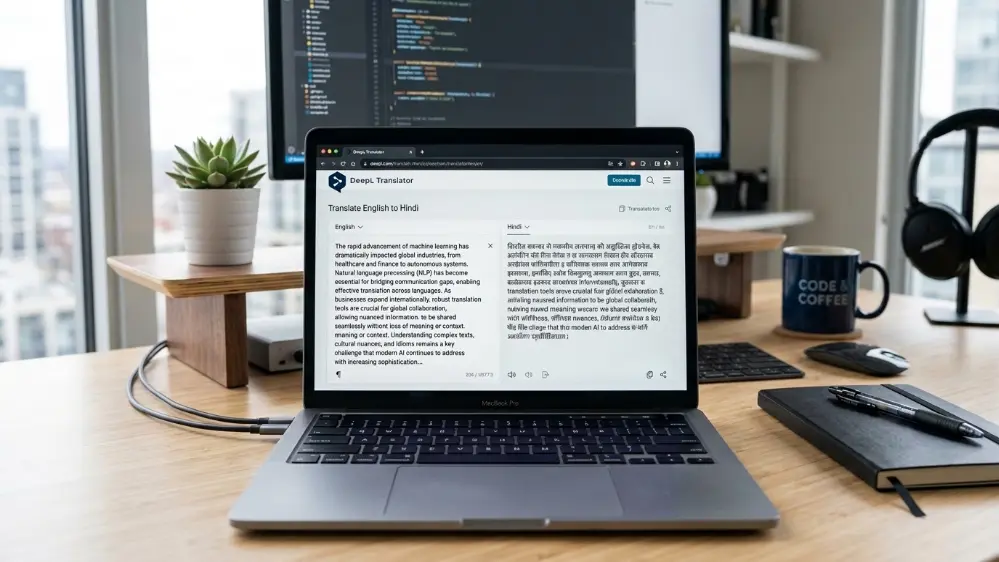
For desktop use, the experience works through any browser at translate.google.com. Paste in longer documents or emails written in Hindi and get the English version back instantly, or the other way around. This is often more comfortable than typing on a phone screen when you’re translating something lengthy, particularly if you’re working with a document that runs several paragraphs.
The desktop version also handles document upload directly, letting you drop in a Word file or PDF written in Hindi and get a translated copy back without retyping the content manually. Formatting can shift slightly during this process for documents with complex layouts, so it’s worth a quick review afterward for anything formal.
Quick Access Shortcuts
A quicker route for casual use is opening the app directly from your phone’s app drawer, which loads straight to your last used language pair if you’ve set Hindi and English as your defaults. This saves the extra step of resetting languages every time you open the app, which matters if you’re translating quick phrases throughout the day rather than sitting down for a longer session.
You can also pin the app’s shortcut to your home screen with a specific language pair pre-selected on some Android versions, which shaves off an extra tap or two if English to Hindi is genuinely your most common use case.
Hindi to English Translation
Going the other direction works exactly the same way. Translating from Hindi to English is just a matter of swapping the source and target languages using the swap arrow icon between the two boxes, no need to manually reset each dropdown separately.
This direction is particularly useful for reading Hindi text sent to you that you can understand when spoken but struggle to read quickly in Devanagari script, or for translating official documents and forms written in Hindi into English for reference.
Common Search Variations Explained
People search for this feature in a lot of different ways, phrasing it slightly differently depending on habit or region. They’re all pointing at the exact same feature inside one single app, so there’s no need to look for separate tools depending on which phrase you used to search. Whether you think of it as English to Hindi translation, Hindi translation, or just Google Translate for Hindi, you land in the exact same place inside the app.

Tips for Better Hindi Translation Accuracy
Hindi has a lot of regional variation and formal versus casual tone differences that can trip up literal translation. Keep sentences relatively short and avoid heavy slang if you need the translation to be understood clearly by someone unfamiliar with casual speech patterns from a specific region.
For formal documents, review the output carefully, since idioms sometimes translate too literally, producing a sentence that’s grammatically correct but doesn’t carry the same meaning or tone as the original English idiom intended. This is common with any idiom-heavy language pair, and Hindi is no exception given how frequently idiomatic expressions show up in everyday spoken Hindi.
Compound and honorific forms in Hindi, used to show respect toward elders or in formal settings, sometimes get flattened into more casual English equivalents. If tone and formality matter for what you’re translating, like a message to an elder relative or a formal work email, read the output carefully rather than assuming the respectful tone carried through automatically.
Voice Input for Hindi
Typing in Devanagari script on a standard phone keyboard is genuinely one of the slower, more frustrating parts of translating into Hindi for people who aren’t used to a Hindi keyboard layout. Voice input sidesteps this entirely, letting you speak in English or Hindi and get an instant translation without touching the keyboard at all.
Speaking clearly and at a moderate pace produces noticeably better transcription results, particularly for Hindi given the range of regional accents across northern and central India that can affect how words are pronounced. Our full voice translation guide covers general tips for clearer voice input that apply directly to Hindi as well as other languages.
Using Camera Mode for Hindi Text
Camera translation works well for Hindi signage, product labels, and printed documents, scanning Devanagari script and overlaying an English translation directly onto the image. This is particularly useful for reading official notices, forms, or packaging that only appears in Hindi. Our dedicated camera and photo translation guide covers tips for getting cleaner scans, which apply just as much to Hindi text as any other script.
Hindi Alongside Other Indian Languages
If your daily life or work involves more than just Hindi, like Marathi, Tamil, Malayalam, Kannada, or Odia alongside it, our broader guide on Google Translate for Indian languages covers how each of those languages performs, along with tips specific to each script and dialect. Many households and workplaces in India regularly switch between Hindi and a regional language, and knowing how the app handles each one individually helps set realistic expectations for accuracy.
Common Mistakes With Hindi Translation
A common mistake is typing long, complex English sentences with multiple clauses and expecting a smooth, natural Hindi translation back. Breaking a complex thought into two or three shorter sentences almost always produces a cleaner result, since Hindi sentence structure doesn’t always map directly onto English grammar patterns.
Another frequent issue is assuming the Devanagari output is always correctly proofread for formal use. For anything going into an official document, resume, or formal letter, have a fluent Hindi speaker review the translation rather than sending it as-is, since small grammatical mismatches are common enough to matter in formal contexts even when the casual meaning comes through fine.
Keyboard Integration for Hindi Typing
Beyond voice input, Google Translate’s keyboard integration on Android lets you type in English inside any app and have it convert to Hindi automatically, or the reverse, without switching over to the main Translate app. This is worth setting up if you regularly message family or colleagues in Hindi through apps like WhatsApp, since it removes the extra step of copying text back and forth between two separate apps.
Setting this up takes a few minutes through your phone’s language and input settings, where you enable the translation option inside your keyboard’s extra features. Once active, a small translate icon appears above your keyboard inside any messaging or email app, letting you draft in whichever language feels more natural and send in the other.
Using English to Hindi Translation for Work and School
Plenty of students and professionals rely on this specific language pair for schoolwork or workplace communication where colleagues or classmates are more comfortable in Hindi than English, or vice versa. For casual coordination, quick translations work fine without much extra thought. For anything graded or formally submitted, like an assignment or a workplace report, always have a knowledgeable second person review the Hindi output before it goes anywhere official, since grammatical nuance and formal register don’t always come through perfectly in a first pass.
Reading comprehension use cases are common too. Students working through Hindi literature or historical documents sometimes use the app to get a working understanding of a passage before diving into a closer, more careful reading with a teacher or textbook guide, which is a reasonable way to use the tool as a starting point rather than a final answer.
How This Language Pair Compares to Other Apps
Google Translate’s English to Hindi support is generally considered one of the stronger options among free translation apps, partly because Hindi has a large enough user base globally that the underlying AI model has plenty of real-world text to learn from. Microsoft Translator offers a comparable Hindi translation feature, though most everyday comparisons show fairly similar results between the two for common phrases and simple sentences.
Where the apps start to diverge more noticeably is with less common vocabulary, technical terms, or heavily idiomatic phrases, where results can vary from one app to another. If you translate Hindi regularly for anything beyond casual conversation, it’s worth testing the same sentence in two different apps occasionally just to see which one handles your specific type of content more naturally.
Cultural Context and Formal Address in Hindi
One aspect of Hindi that machine translation still handles imperfectly is the distinction between formal and informal address, something English doesn’t really have an equivalent for in the same way. Hindi uses different verb forms and pronouns depending on whether you’re addressing someone older, a stranger, or a close friend, and getting this wrong can come across as oddly blunt or overly formal depending on the direction of the mistake.
When translating something meant for an elder relative, a teacher, or a professional contact, it’s worth manually double-checking whether the output uses an appropriately respectful form, since the app doesn’t always default to the more formal register even when context would suggest it should. This is one of the clearer examples of where a native speaker’s quick review adds real value beyond what the translation alone provides.
Frequently Asked Questions
Does Google Translate support Hindi offline?
Yes, download the Hindi language pack under Settings, then Offline Translation, and it works without an internet connection afterward.
Can I switch between Devanagari and Roman script for Hindi output?
Yes, this option is available in the app’s language display settings, letting you choose whichever script you find easier to read.
Is voice translation accurate for regional Hindi accents?
Generally yes, though heavier regional accents or fast speech can occasionally reduce accuracy slightly. Speaking clearly and at a moderate pace helps.
Is the translation good enough for official documents?
For a general understanding, yes. For anything formal or legally binding, have a fluent speaker review the output before submitting it anywhere official.
Final Thoughts
Whether you’re going from English to Hindi or the other way, the process inside Google Translate is the same simple flow. Set your offline Hindi pack early if you’ll need it without signal, use voice input if typing in Devanagari feels slow, and don’t overthink the different phrases you might see online describing this feature, they’re all the same core Google Translate tool underneath.