Ten years ago, if you traveled somewhere you didn’t speak the language, you carried a phrasebook and hoped for the best. Now you just pull out your phone. A good translation app can turn a random street sign, a menu, or a stranger’s sentence into something you actually understand, in seconds.
But not every translator app is worth keeping on your home screen. Some are fast but inaccurate. Some look polished but drain your battery and data. Some only work with an internet connection, which becomes a real problem the moment you land somewhere without signal. This guide walks through what actually separates a good translation app from the rest, and which ones are worth downloading right now.

What Makes a Good Translation App
A solid language translator app needs to get several things right, and most apps only nail one or two of them.
Accuracy. Word-for-word translation is easy. Understanding context, slang, and grammar is hard. The best apps read a full sentence before translating it instead of swapping individual words, which is why two apps can give you completely different results for the same input.
Speed. If you’re standing in front of someone trying to hold a conversation, a translator that takes ten seconds to respond kills the moment. Response time matters just as much as accuracy in real-life use.
Offline support. An offline translator that works without data is priceless when you’re traveling, riding a subway, or sitting in a building with weak signal. If you only check one feature before downloading an app, check this one.
Language coverage. A true all-language translator should support not just the major global languages but regional ones too, including Indian languages like Hindi, Tamil, Bengali, and Marathi. Coverage on paper doesn’t always mean the translations are good, so it’s worth testing a language pair before relying on it for something important.
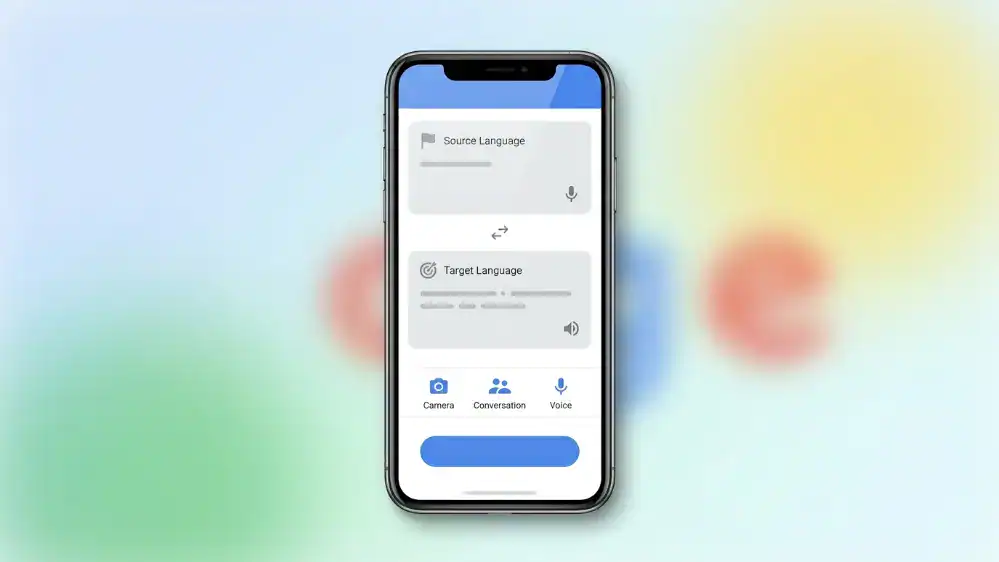
Extra input methods. Typing isn’t always practical. Camera translation, voice input, and handwriting recognition all matter depending on the situation you’re in. We cover the camera side of things in detail in our guide to Google Translate’s camera and photo translation feature, and the voice side in our breakdown of Google Translate’s voice app.
Best Translation Apps for Android
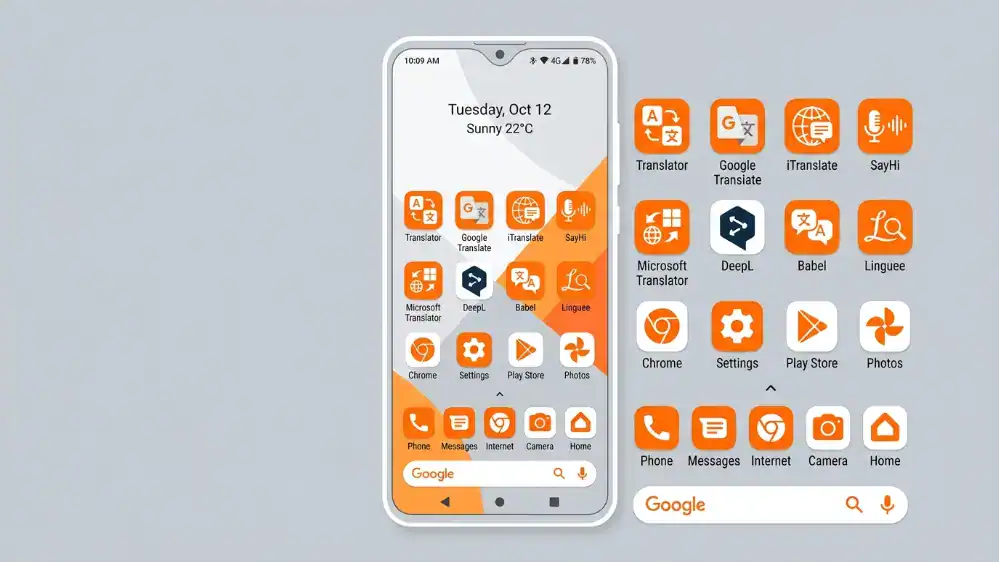
If you’re on Android, you have the widest choice of translator apps available anywhere. Google Translate remains the default pick for most people because it’s free, fast, and supports camera and voice translation out of the box. If you want the full picture of what it can do and how to set it up properly, our complete Google Translate app guide covers everything from installation to offline mode.
Microsoft Translator is a strong runner-up, especially for group conversations where multiple people are speaking different languages at once. It handles multi-person conversation translation in a way Google Translate doesn’t quite match, which makes it a reasonable second app to keep installed rather than a full replacement.
For anyone who wants an Android translation app that doubles as a learning tool, some apps combine translation with pronunciation practice, letting you hear how a phrase should sound rather than just reading the text version.
Best Translation Apps for iPhone
iPhone users get most of the same options as Android, though a handful of features roll out to iOS a little later. Google Translate on iPhone supports camera translation, voice input, and offline packs, and it integrates with the share sheet so you can translate text from other apps without copying and pasting manually.
Apple’s own Translate app, built into iOS, is worth mentioning too. It handles basic conversation translation reasonably well and works offline once you download the languages you need, though its language list is smaller than Google’s. For most people, running Google Translate alongside the built-in Apple app covers nearly every situation you’ll run into.
DeepL also has a solid iPhone app if natural-sounding sentence structure matters more to you than raw language coverage, which we get into more in the free apps section below.
Best Free Translator Apps
You don’t need to pay for a good translator. Some of the best free options on the market today include Google Translate, Microsoft Translator, and DeepL, which is known for producing more natural sounding sentences than most competitors, especially in European languages.
If you’re specifically hunting for a free translation app that doesn’t nag you with ads every few seconds, stick to apps from established companies rather than random third-party clones that show up in app store search results. A lot of these clones repackage the same translation engine with extra ads bolted on, so you’re not even gaining anything by using them.
It’s also worth checking how a free app handles its data. Google Translate and Microsoft Translator are transparent about what they collect, while some lesser-known free apps aren’t as clear, which matters if you’re translating anything sensitive.
Best AI Translation Apps
The newer generation of AI-powered translation tools does more than swap words between languages. They understand tone, keep idioms intact where possible, and adjust formality depending on context. This matters a lot if you’re translating a business email versus a casual text to a friend, since the same sentence often needs a completely different tone in each case.
DeepL and Google Translate have both leaned heavily into AI models over the past few years, and the difference in output quality compared to older rule-based translators is obvious the moment you compare them side by side. Rule-based systems used to translate sentence by sentence using fixed grammar rules, which produced technically correct but often awkward results. AI models instead learn from massive amounts of real translated text, picking up on natural phrasing that a rulebook could never capture.
If you want a step-by-step look at how to actually use these AI features once you’ve picked an app, our guide on how to use the Google Translate app walks through every mode, from typing to camera to voice.
Best All-Language Translator Apps
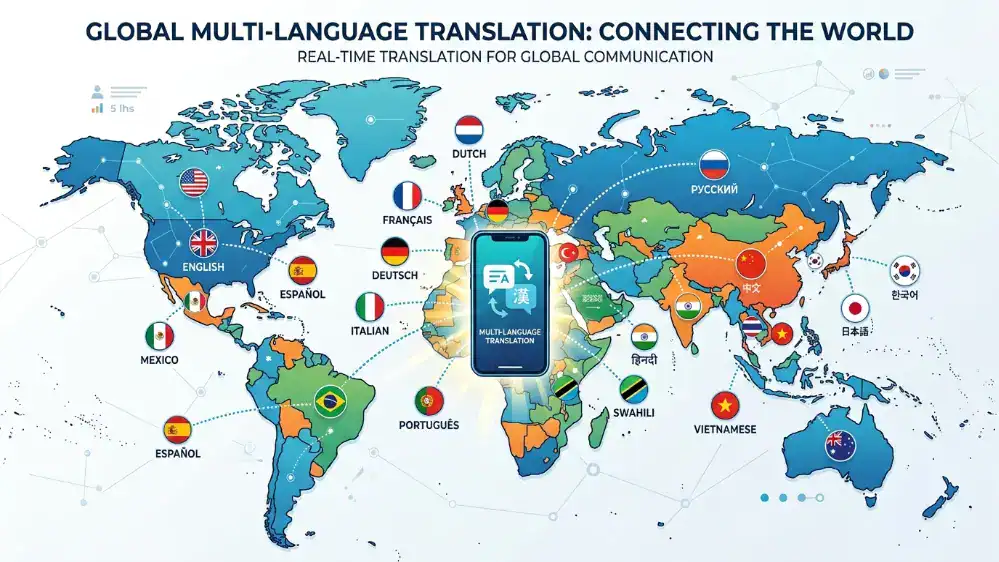
If you need one app that can genuinely handle dozens of languages without switching tools, Google Translate still covers the most ground, supporting over 130 languages at last count. Microsoft Translator isn’t far behind, and both apps keep adding new languages with regular updates.
For anyone who deals with a mix of regional and international languages regularly, having a single all-language translator installed saves the hassle of juggling five different apps for five different language pairs. This matters more than people realize when traveling through multiple countries on one trip, where switching between three or four specialized apps quickly becomes annoying.
Coverage quality still varies by language pair though. Widely spoken languages like Spanish, French, and Mandarin tend to produce cleaner results than less common ones, simply because there’s more training data available for the popular pairs.
Best Indian Language Translator Apps
India has more officially recognized languages than most countries have total languages, so a good Indian language translator needs to go far beyond Hindi and English. Google Translate supports most major Indian languages including Tamil, Telugu, Bengali, Marathi, Kannada, Malayalam, Punjabi, and Odia.
If your work or travel involves regional Indian languages specifically, it’s worth checking whether the app supports voice input, since typing in non-Latin scripts on a phone keyboard is often the biggest source of friction. We’ve put together a full breakdown of Google Translate’s support for Indian languages, covering Marathi, Tamil, Malayalam, Kannada, and Odia specifically, along with tips for getting more accurate results in each one.
English to Hindi remains the single most searched language pair in India by a wide margin, so if that’s your main use case, our dedicated English to Hindi translation walkthrough covers the setup process and common issues in more depth than we can fit here.
Translating Documents and PDFs
Not every translation need involves a quick phrase or a menu. Sometimes you’re staring at a multi-page contract, a research paper, or a scanned form that needs to be translated in full. Google Translate’s document mode, accessible through the browser version at translate.google.com, lets you upload a Word file or PDF and get a translated copy back without retyping a single line.
The catch is formatting. Complex layouts with tables, columns, or embedded images don’t always survive the translation process cleanly, so if you’re working with something formal, expect to spend a few minutes fixing spacing and line breaks afterward. For anything with legal or financial consequences, treat the machine-translated version as a first draft and have someone fluent review it before you send it anywhere official.
Offline Translation Explained
Offline mode deserves its own section because it’s the single most useful feature for anyone who travels, and also the most commonly ignored one. Most major apps let you download a language pack in advance, after which the app can translate without any internet connection at all.
The tradeoff is accuracy. Offline models are smaller than their online counterparts because they need to fit on your phone’s storage, so translations offline are sometimes slightly less refined than what you’d get with a live connection. For everyday phrases and simple sentences, the difference is barely noticeable. For nuanced or technical text, it’s more obvious.
Set up your offline packs before you travel, not after you land. Airport wifi is unreliable, and downloading a 40MB language pack while standing in a customs line is not how anyone wants to start a trip.
How to Choose the Right Translation App
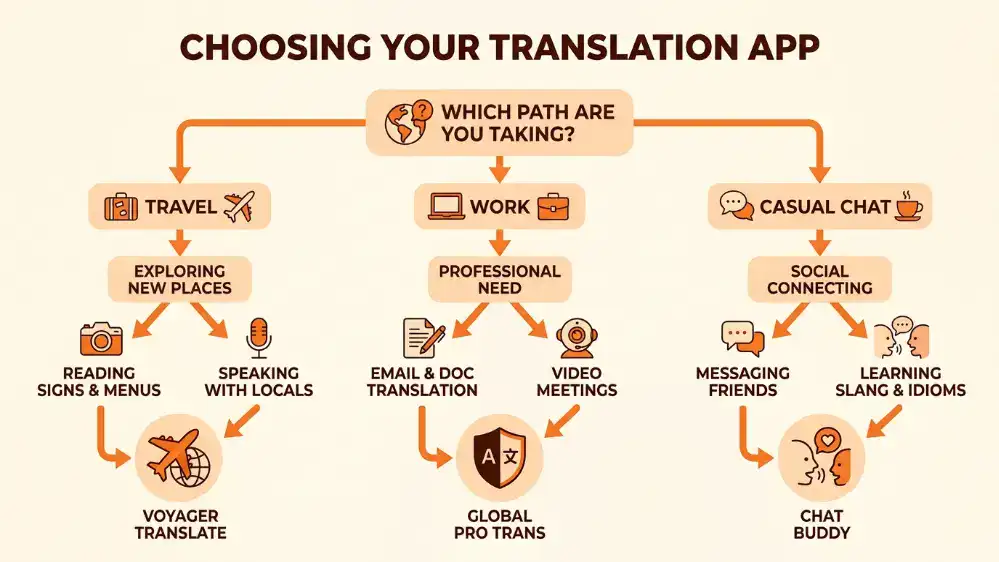
Think about how you’ll actually use it. If you travel a lot, prioritize offline support above everything else. If you work with documents regularly, look for an app that handles PDF and image translation well. If you’re mostly texting friends in another language, speed and casual tone accuracy matter more than perfect grammar.
There’s no single best translator app that wins in every category, so match the app to your actual habits rather than the app store rating alone. A five-star rating built on thousands of casual users doesn’t tell you much if your use case is translating legal contracts or medical paperwork.
Frequently Asked Questions
Is Google Translate accurate enough for business use?
For everyday business communication like emails and casual documents, yes. For contracts, medical records, or anything with legal weight, use it as a starting point and have a professional translator or fluent speaker review the final version.
Do translation apps work without wifi or data?
Only if you’ve downloaded the offline language pack in advance. Without it, most apps need an active connection to process translations.
Which app is best for learning a language rather than just translating?
Google Translate and Microsoft Translator are built for translation, not teaching, so if learning is your main goal, a dedicated language learning app will serve you better alongside your translator.
Can I use a translation app during a phone call?
Yes, though it takes a bit of setup. Conversation mode in Google Translate works best with the phone on speaker so it can pick up both sides of the call. Our guide to Google Translate’s voice features covers this in more detail, including how to reduce background noise interference.
Why do the same words sometimes translate differently each time I try?
AI translation models weigh context from the entire sentence, so small changes in punctuation or word order can shift the result slightly. This is normal and usually means the app is trying to account for grammar rather than making an error.
A Quick Word on Privacy
Anything you type into a translation app technically passes through that company’s servers unless you’re using offline mode. For casual phrases and travel questions, this isn’t something to lose sleep over. For anything involving personal, medical, or financial details, it’s worth reading the app’s privacy policy or simply switching to offline mode before you type a word. Most major apps let you toggle this from the settings menu, and it’s a habit worth building if you translate sensitive material often.
Final Thoughts
The best translation app for you depends less on brand name and more on how well it fits your daily routine. Start with Google Translate or Microsoft Translator if you want a reliable all-rounder, and branch out to specialized apps like DeepL for AI-quality translations or region-specific guides if you need deeper Indian language support.
Whichever you pick, download it and set up your offline packs before you need them, not while you’re standing lost somewhere trying to figure out what a sign says.