Apple Vision Pro costs $3,499. It looks like a sci-fi ski mask. And millions of people are asking the same question what is Apple Vision Pro actually used for in real life?
Marketing videos show people floating apps in the air and watching movies on virtual cinema screens. But what does it actually do for everyday people? In this guide, we’ll explain the 8 most practical, real-world uses of Apple Vision Pro honestly, without the hype.
What is Apple Vision Pro?
Before the uses a quick explanation for anyone new.
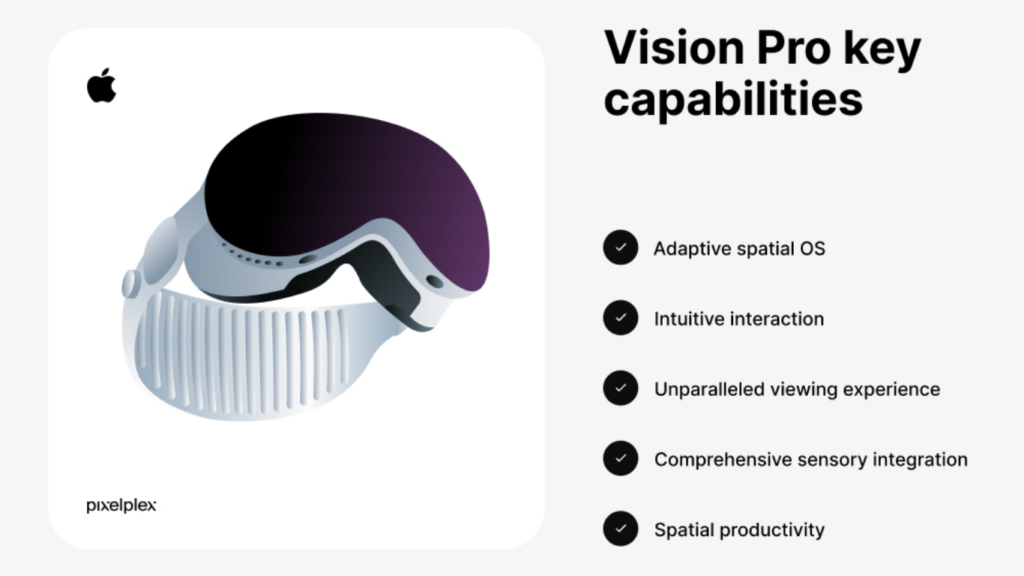
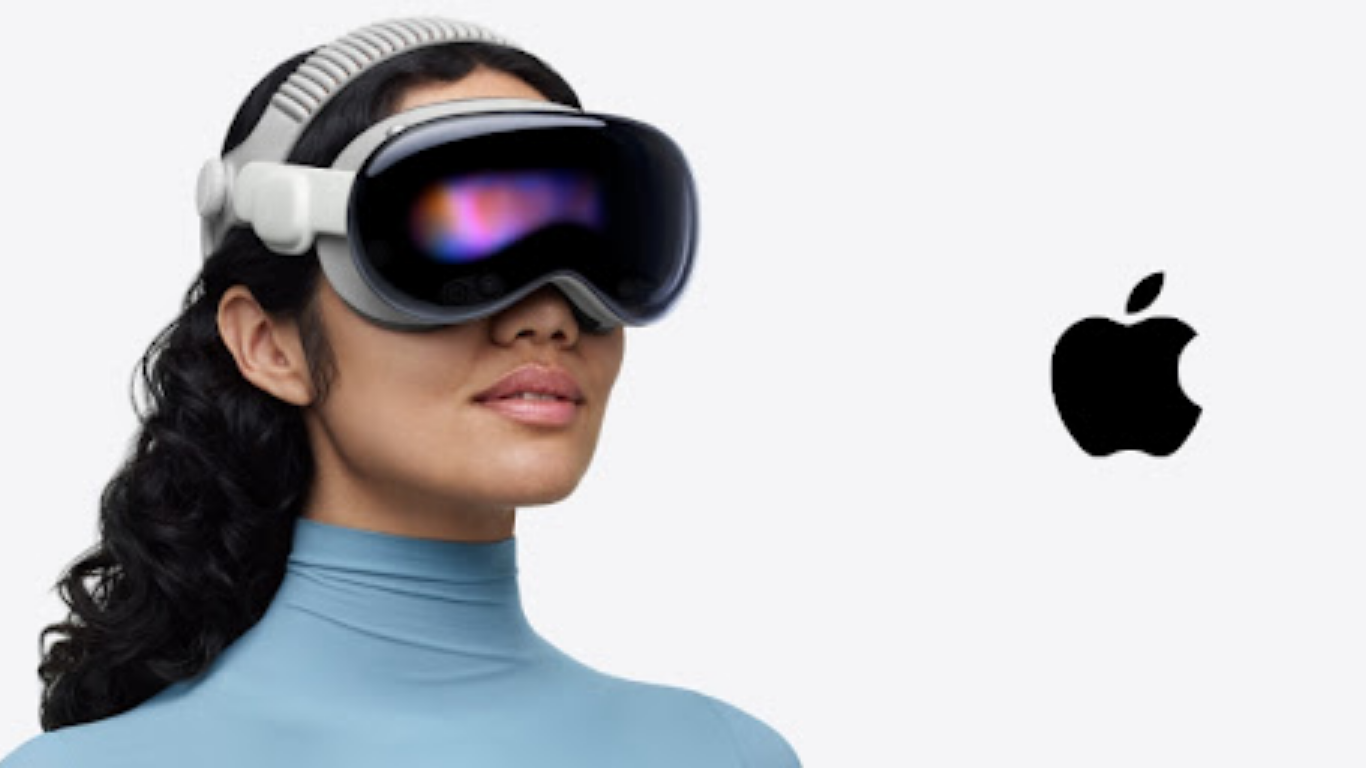
Apple Vision Pro is a spatial computing headset made by Apple. You wear it on your face like goggles, and it overlays digital content onto your real-world view using a mix of cameras, sensors, and high-resolution displays.
It’s not virtual reality (VR) where everything is fake. It’s mixed reality you can still see your real surroundings, but with apps, videos, and digital elements floating in front of you.
You control it using your eyes, hands, and voice no controllers needed. Look at something, tap your fingers together, and it responds.
Apple calls it a “spatial computer” rather than a headset and that’s a deliberate choice. The vision is that it eventually replaces your Mac, iPhone, TV, and workspace all in one device.
Starting price: $3,499 for the base model. Available directly from apple.com/apple-vision-pro.
8 Real Uses of Apple Vision Pro
1. Watching Movies and TV on a Giant Virtual Screen
This is the most talked-about use and it genuinely lives up to the hype.
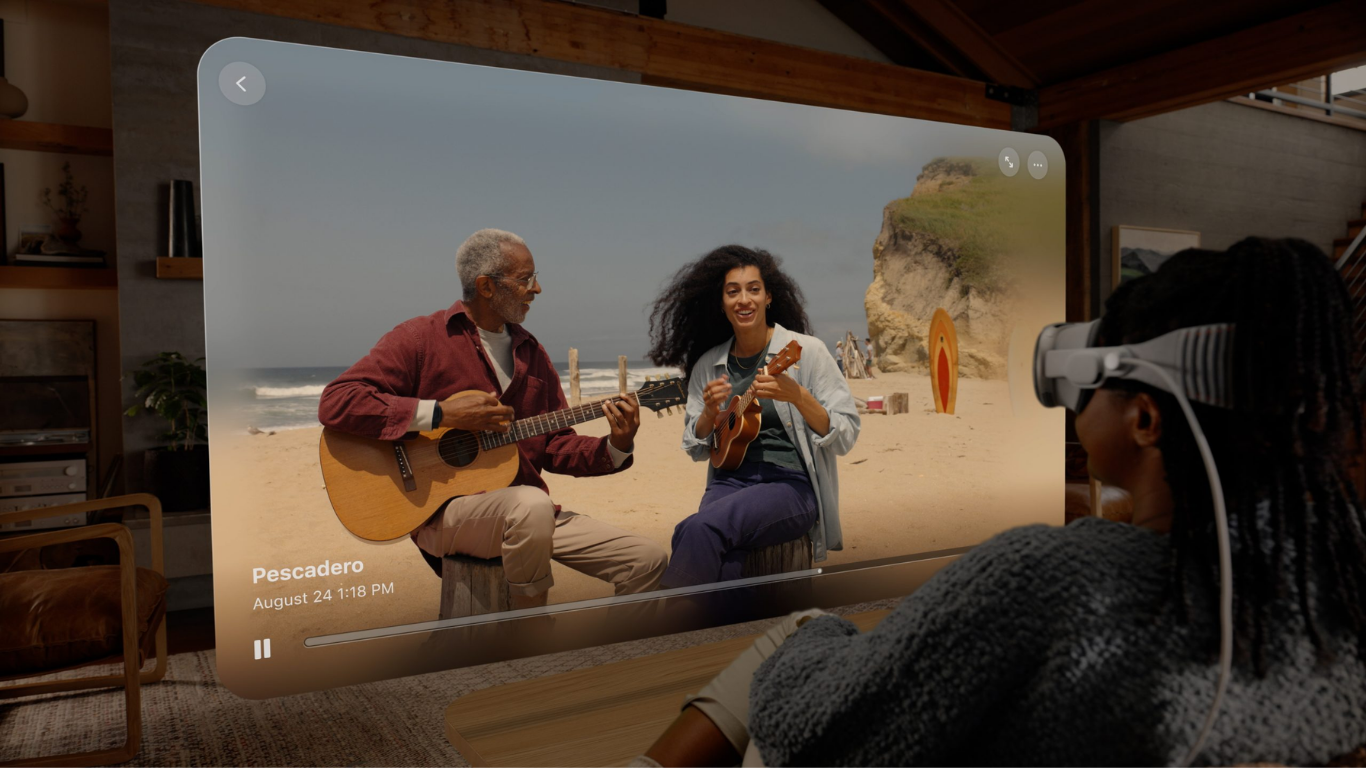
Put on Vision Pro and you can watch any movie or show on a virtual screen as large as a 100-foot cinema display, floating in front of you wherever you are. On a plane, in a hotel room, or lying in bed, you get a private cinema experience no actual TV can match.
Apple TV+, Disney+, Netflix (via Safari), and most streaming services work on Vision Pro. The displays inside the headset are so sharp (around 23 million pixels total) that text and video look clearer than most physical screens.
Best for: Long flights, travel, people who want a cinema experience without a home cinema.
2. Immersive Spatial Videos and Memories
Apple Vision Pro can play Spatial Videos, a format that records video with depth, making it look three-dimensional when played back in the headset.
iPhone 15 Pro and later can record Spatial Video. When you watch a birthday, a holiday trip, or a child’s first steps in Spatial Video on Vision Pro, the experience is unlike anything else people genuinely describe it as feeling like you’re back in that moment.
Apple Vision Pro also connects to iCloud, so all your photos and videos float around you in a 3D space when you open the Photos app.
Best for: Preserving and reliving memories, viewing 3D videos, content creators.
3. Working with Multiple Virtual Screens
One of the most genuinely useful work applications is using Vision Pro as an infinite multi-monitor setup.
Instead of two physical monitors on your desk, you can open 5, 10, or 20 virtual windows in your vision and arrange them in a half-circle around you. A Safari window here, a document there, email to the left, a spreadsheet to the right all at once.
Vision Pro connects to your Mac wirelessly, turning your Mac’s screen into a giant virtual display in front of you. You can use your Mac’s keyboard and trackpad normally, but see the content on a massive virtual screen only you can see.
Best for: Remote workers, people who need multiple windows, developers, writers, analysts.
4. FaceTime and Video Calls with 3D Avatars
On Apple Vision Pro, FaceTime creates a photorealistic 3D avatar of you called a Persona, that the other person sees on their screen.
Your facial expressions, head movements, and gestures are tracked and mirrored in real time by the avatar, making it feel more present than a regular video call.
For the person on the call, you appear as a lifelike 3D representation. For you wearing the headset, the other person appears as a life-size figure floating in your space.
Best for: Business meetings, staying in touch with family, anyone doing a lot of video calls.
5. Gaming
Vision Pro has a growing library of games designed specifically for spatial computing. These range from simple puzzle games to immersive experiences where game elements appear on the surfaces of your real room enemies might crawl across your actual floor or ceiling.
Apple Arcade games are available, and many iPad and iPhone apps (including games) run natively on Vision Pro with adapted controls.
It’s not a gaming powerhouse like a PlayStation or high-end gaming PC, but for casual and spatial gaming, it offers a genuinely unique experience.
Best for: Casual gamers, spatial puzzle games, fans of immersive game environments.
6. Fitness and Guided Workouts
Several fitness apps on Vision Pro display a virtual instructor in your physical space, you can see your real room but with a trainer floating in front of you coaching your workout.
Apps like Apple Fitness+ can display workouts at a large, floating screen size. Yoga, pilates, and stretching apps use Vision Pro’s room-sensing capabilities to layer instructional overlays onto your actual floor space.
Best for: Home gym users, people who prefer video-guided workouts, yoga practitioners.
7. Design, Architecture, and 3D Modelling
Creative professionals are finding Apple Vision Pro genuinely transformative for 3D work. Architects can walk through building models at full scale. Designers can manipulate 3D product mockups with their hands. Interior designers can place virtual furniture in a real room.
Apps like Shapr3D and JigSpace are purpose-built for spatial computing and allow real manipulation of 3D objects in your physical environment.
Best for: Architects, product designers, engineers, 3D modellers, educators.
8. Education and Learning
Several educational apps use Vision Pro to bring subjects to life in three dimensions. Imagine studying the human body by having a full-size 3D model of anatomy floating in your room. Or exploring the solar system with planets orbiting around you. Or watching a historical event through an immersive recreation.
Apps like Encounter Dinosaurs place life-size dinosaurs in your physical space. Medical students and healthcare professionals use it for anatomy study. Aviation companies use it for pilot training simulations.
Best for: Students, educators, medical training, anyone who learns better visually.
What Apple Vision Pro is NOT Good For
To be fair and honest Vision Pro has real limitations in 2026:
- Not for all-day wear: the headset weighs about 600g and causes fatigue after extended sessions. Not something you wear for 8 hours straight.
- Not for social settings: wearing it in public or in a group still feels antisocial and unusual.
- Not for everyone’s budget: $3,499 is a significant investment. For most people, it’s still a luxury device rather than a necessity.
- Limited app ecosystem compared to iPhone: growing, but nowhere near the depth of the iPhone/iPad app library.
- Battery life: about 2 hours on the included battery pack. Fine for a movie, limiting for long work sessions without a cable.
Apple Vision Pro vs Regular VR Headsets
| Feature | Apple Vision Pro | Meta Quest 3 |
|---|---|---|
| Price | $3,499 | $499 |
| Display quality | ⭐⭐⭐⭐⭐ Best | ⭐⭐⭐ Good |
| Mixed reality passthrough | ✅ Full colour, sharp | ✅ Colour, less sharp |
| Controllers | ❌ Eyes + hands only | ✅ Physical controllers |
| App ecosystem | Growing | Larger gaming library |
| Mac / iPhone integration | ✅ Seamless | ❌ None |
| Battery life | ~2 hours | ~2.5 hours |
| Best for | Work, media, creativity | Gaming, casual VR |
Frequently Asked Questions
Q: Is Apple Vision Pro worth the price?
A: For most people in 2026, not yet. It’s an impressive first-generation device, but at $3,499 with a small app ecosystem and limited battery life, it’s currently best suited to early adopters and professionals with specific use cases.
Q: Can Apple Vision Pro replace a Mac?
A: Not entirely yet, but it comes close for many tasks. The Mac virtual display feature is impressive, and many productivity apps are available. For heavy creative work (video editing, coding), most professionals still reach for a Mac.
Q: Does Apple Vision Pro work with glasses?
A: You can order custom Zeiss optical inserts designed for your prescription that attach magnetically inside the headset. They cost extra but work well.
Q: Can you use Apple Vision Pro on a plane?
A: Yes, this is actually one of its best use cases. The cinema-scale virtual screen on a long flight is genuinely remarkable. The 2-hour battery limit is the main constraint.
Q: What apps are available for Apple Vision Pro?
A: Over 2,000 apps are available natively, plus most iPad apps run on it. Key categories include video streaming, productivity, gaming, fitness, education, and 3D design.
Q: Will Apple Vision Pro get cheaper?
A: Almost certainly over time. Apple typically reduces prices or releases lower-cost versions of new product categories after a few generations. A more affordable Vision model is widely expected in the next 2–3 years.
Conclusion
So, what is Apple Vision Pro used for? In real life, it’s most useful for watching immersive video content, working with multiple virtual screens, video calls, gaming, and creative professional work.
It’s not a device for everyone at its current price, but it’s one of the most technically impressive products Apple has ever made, and a genuine preview of where computing is heading.
Also read: What is Rabbit R1? The AI Gadget Everyone’s Talking About | What is Perplexity AI? The Honest Beginner’s Guide
Have you tried Apple Vision Pro? Share your experience in the comments below.

Pingback: Apple Vision Pro vs Meta Quest 3: Price, Specs, Gaming & Full Comparison